
Node Browser
Updated: 24 Nov 2026
Updated: 24 Nov 2026
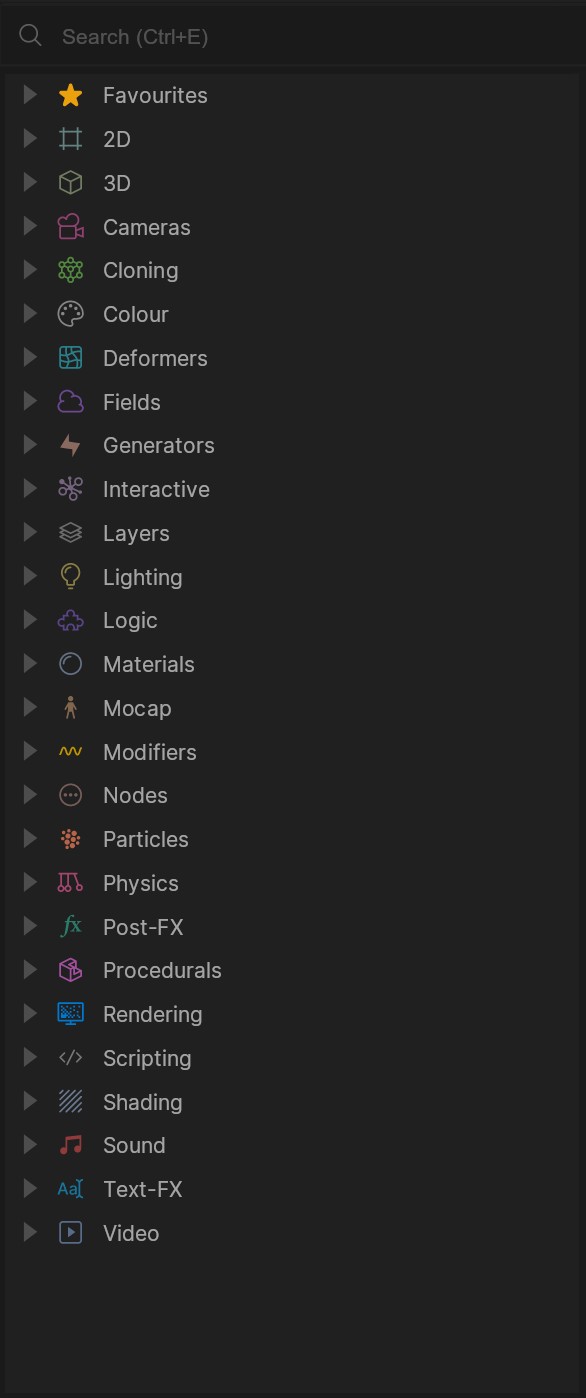
The Node Browser is a visual collection of all available nodes in Notch. You can use it to:
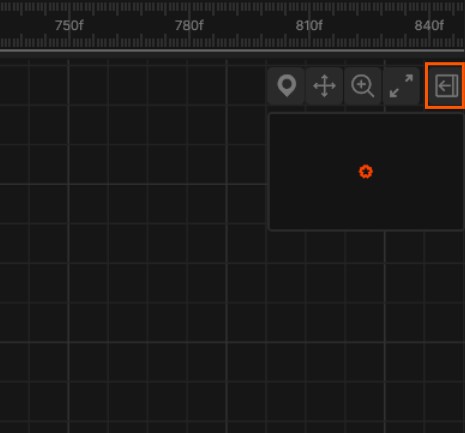
The Node Browser can be opened by clicking the “Show Node Browser” button in the top right of the Nodegraph.
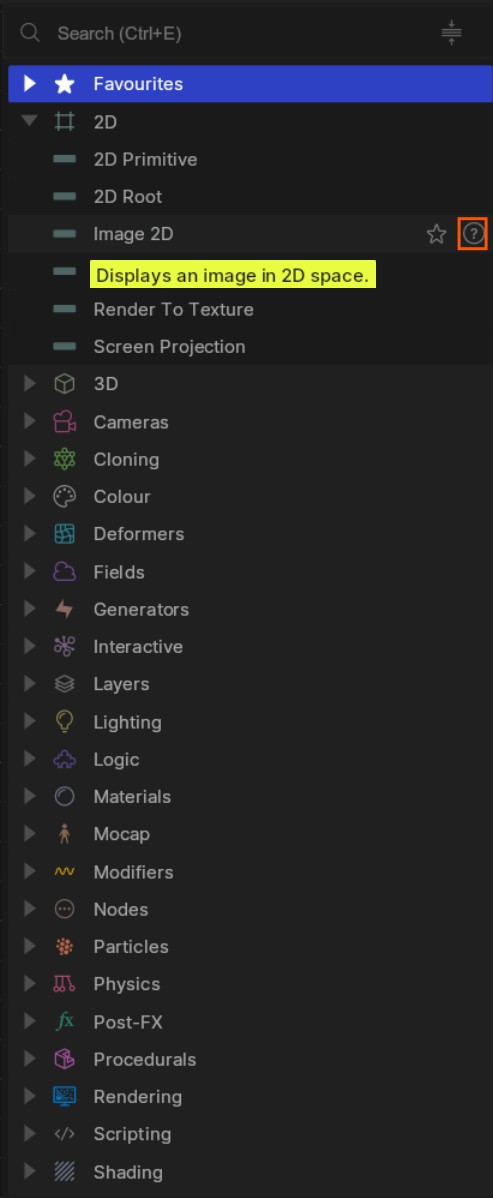
To learn about a node, you can either hover over the name of the node to get a short “tooltip” which briefly describes the nodes function, or you can click the info button next to the name to open the manual page for that node.
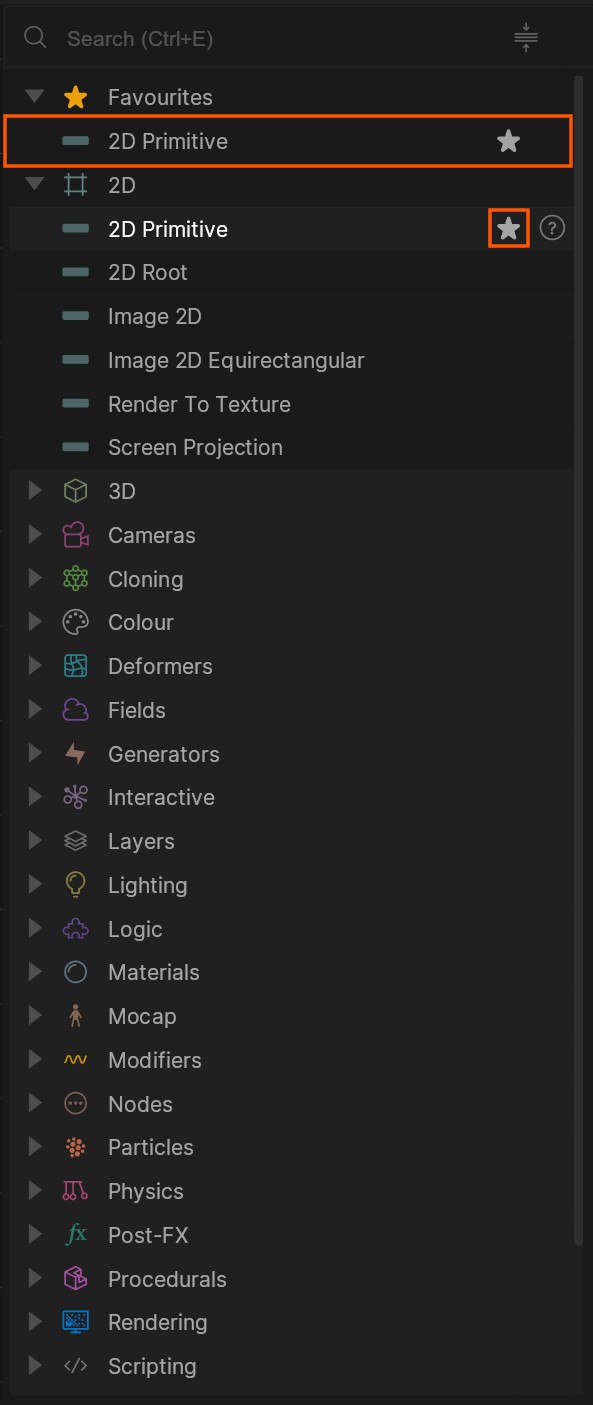
To favorite a node, click the star next to its name in the Node Browser. That node will then appear at the top in the “Favourites” category.