Example 2 - BiRefNet
Updated: 29 Jun 2026
Updated: 29 Jun 2026
Please note that we provide an integration to load ONNX AI models in Notch. However, we do not provide support for creating, training, modifying, or troubleshooting ONNX models. We do not guarantee that all ONNX models will be compatible with Notch, specific GPU architectures or driver versions. The AI model space is highly dynamic and you should undertake significant testing before attempting to deploy a specific model in your production environment. See Overview and Setup of the manuals for a guide to the setup of, and requirements of, ONNX models.
There is also complete integrations of AI models already inside of Notch, for example in the Yolo Tracker, AI Hand Tracker and AI Face Tracker nodes. There is information on using those nodes in their respective sections. But this guide is focussed on using other models.
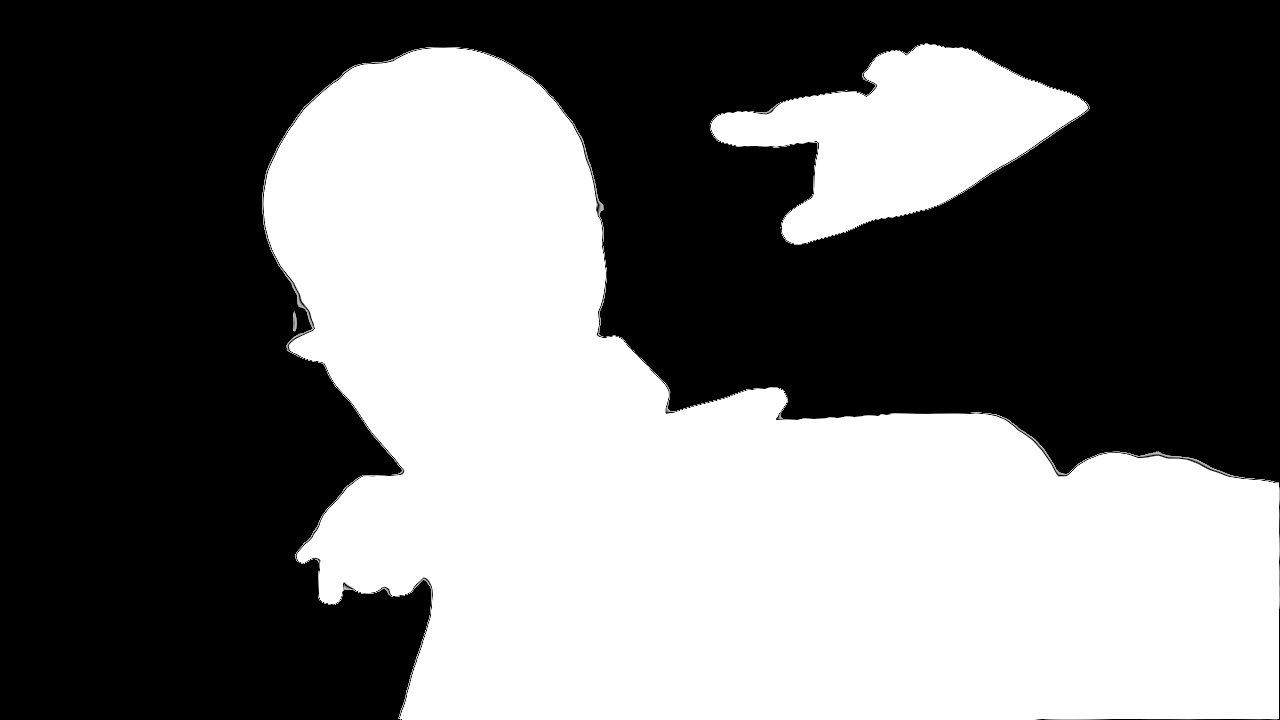
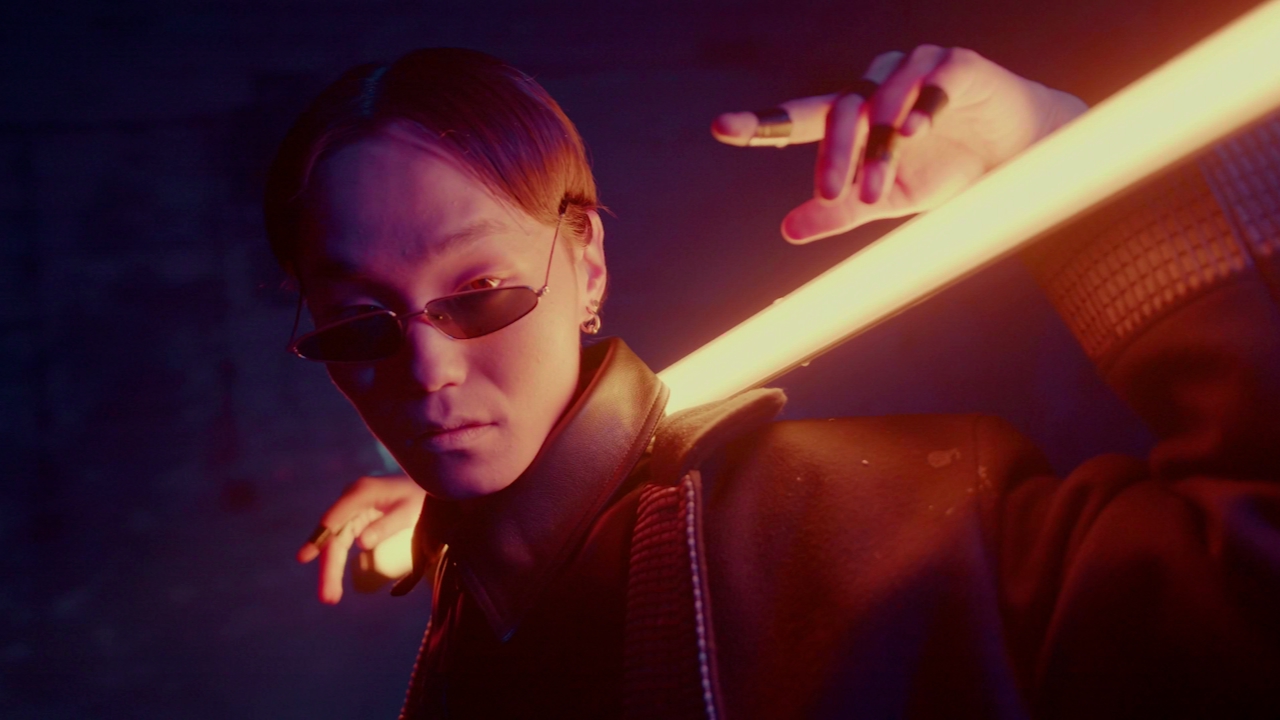
BiRefNet is a high-precision dichotomous image segmentation model created by Peng Zheng, Dehong Gao, Deng-Ping Fan, Li Liu, Jorma Laaksonen, Wanli Ouyang, and Nicu Sebe, and is available under the MIT License.
The standard model takes in an RGB image resized to 1024 x 1024 pixels, and performs foreground/background segmentation, outputting a binary alpha matte. But we will be using the 512 x 512 version as an ONNX model which can be downloaded from Here
Download the above model and the below example project.
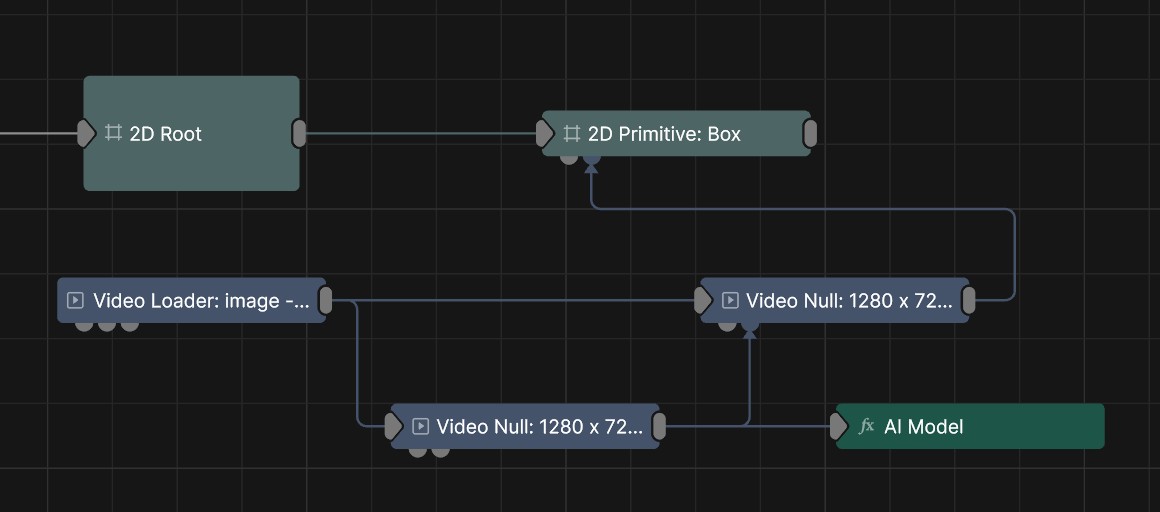
Download Example ProjectImport the model into Notch and then set it as the model in the AI Model Post-FX node.
This model should be used with the AI Model Post-FX node and used with a video source such as Video Loader.