

Normalise Colour
Updated: 12 Jun 2026
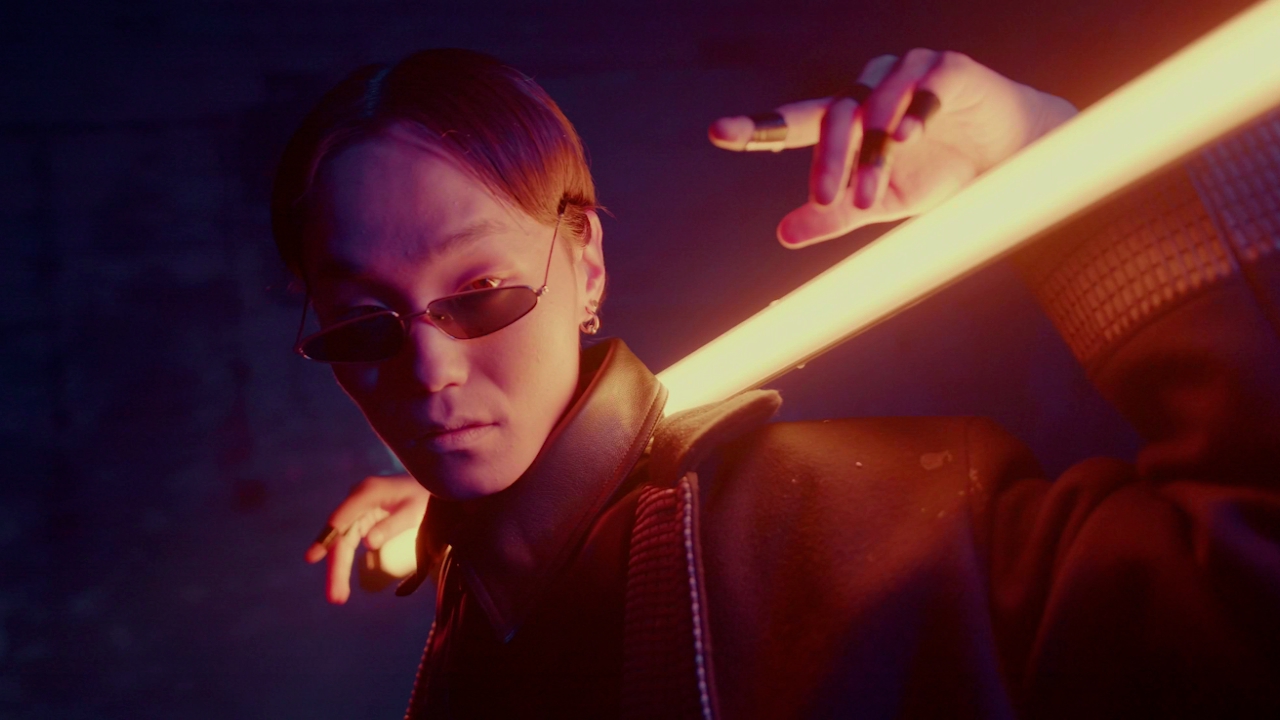
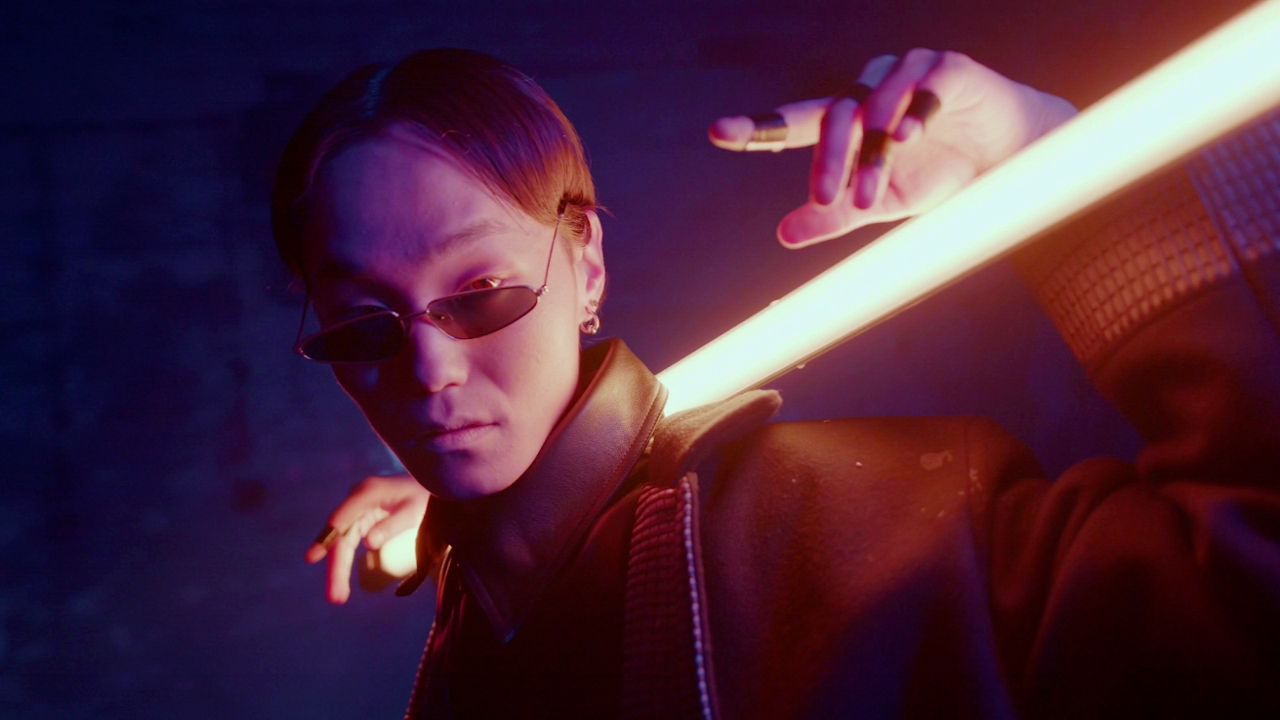
Re-maps the range of colour in an image to between 0 and 1
Updated: 12 Jun 2026
Re-maps the range of colour in an image to between 0 and 1
This node remaps the colour values of an image to be between 0 and 1. Useful for taking textures with large colour values and squashing them into a known range.
These properties control the core behaviours of the node.
| Parameter | Details |
|---|---|
| Active | Enables or disables the effect. Disabling the effect means it will no longer compute, so disabling a node when not in use can improve performance. |
| Blend Amount | Changes the opacity of the new effect over the original image. |
| Blend Mode (RGB) | Change how the generated effect blends with the parent image RGB. |
| Blend Mode (Alpha) | Change how the generated effect blends with the parent image alpha. |
| Affected Channels | Toggle which of the RGBA channels are affected by the effect. |
| Min Colour | Lowest value of the normalised colour range |
| Max Colour | Highest value of the normalised colour range |
The properties control the time at which the node is active. See Timeline for editing time segments.
| Parameter | Details |
|---|---|
| Duration |
Control the duration of the node’s time segment.
|
| Node Time | The custom start and end time for the node. |
| Duration (Timecode) | The length of the node’s time segment (in time). |
| Duration (Frames) | The length of the node’s time segment (in frames). |
| Time Segment Enabled | Set whether the node’s time segment is enabled or not in the Timeline. |
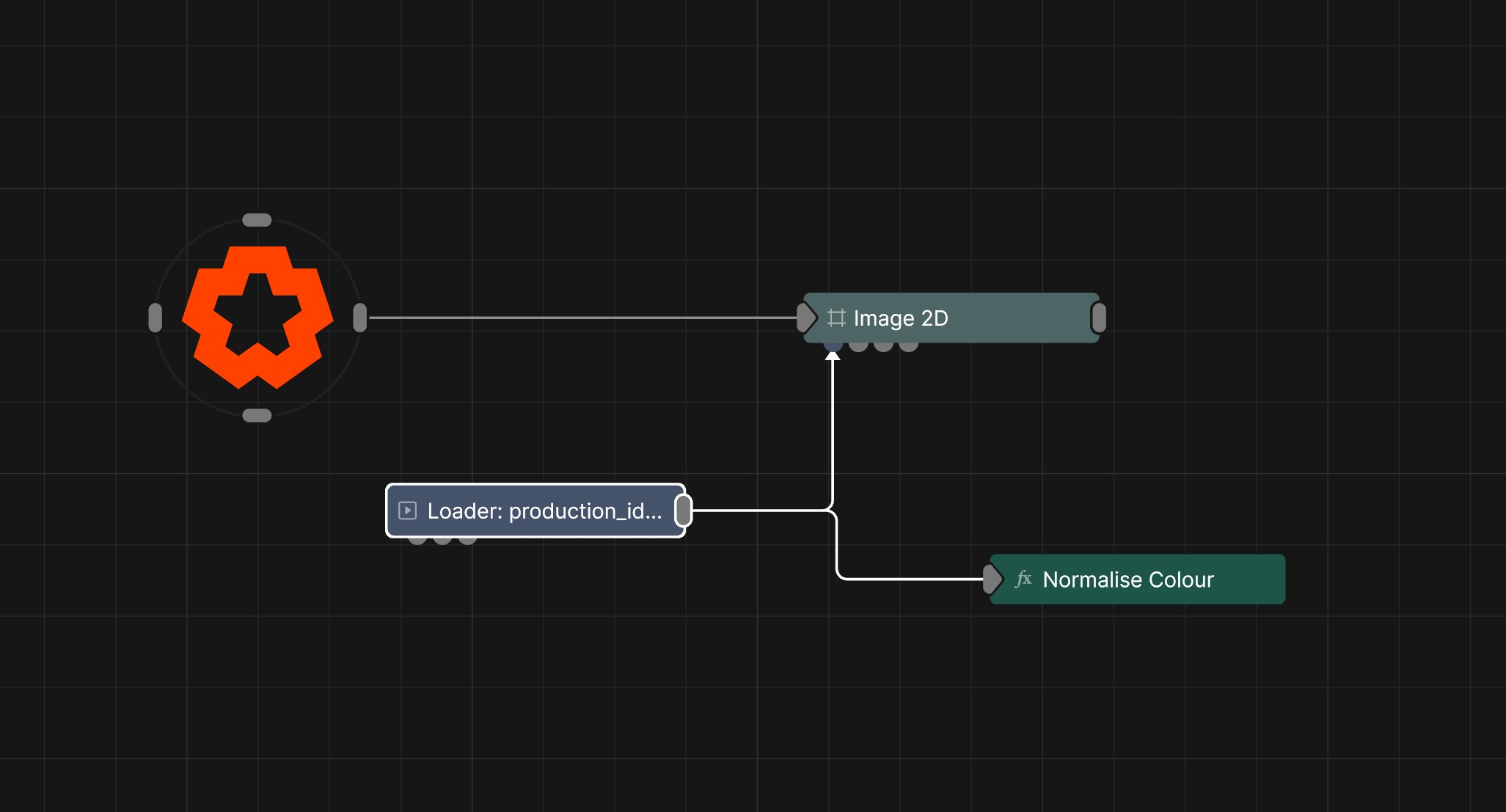
This node has no inputs.
| Name | Description | Typical Input |
|---|---|---|
| Parameter Value Array | Used to set the parameters of the node using an array. | Parameter Array |