

Custom Object Mask AOV
Updated: 12 Jun 2026
Construct a custom object mask to be output as an AOV

Updated: 12 Jun 2026
Construct a custom object mask to be output as an AOV
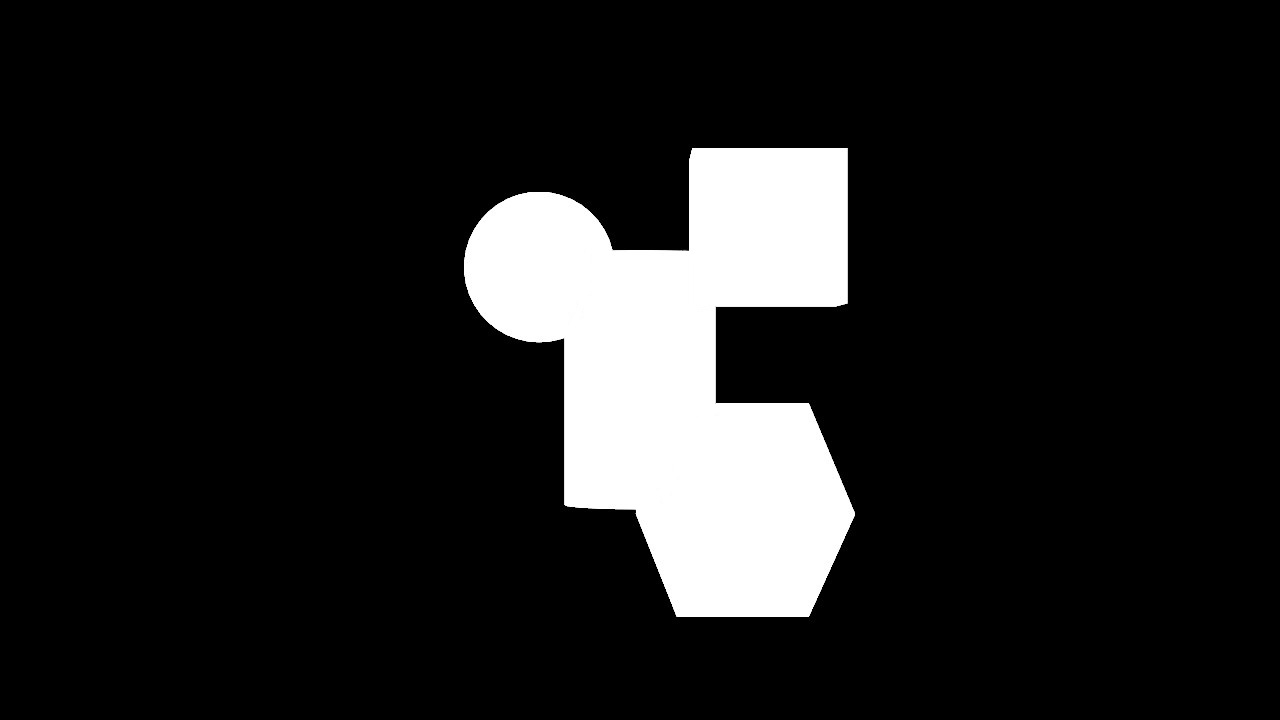
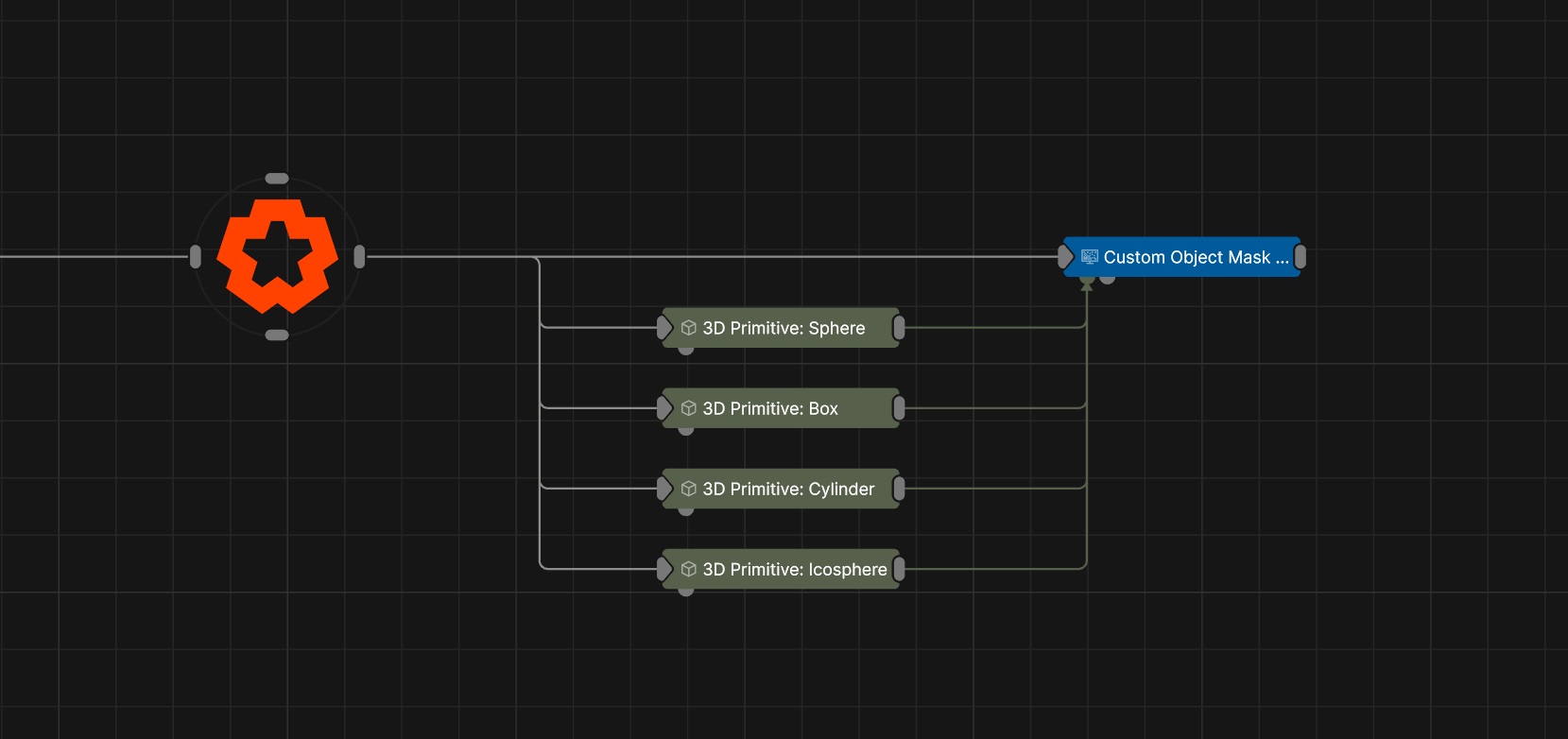
This node takes in a set of objects and creates an object mask from them that can be output as an AOV.
The mask created by this node can be output by selecting the relevant Custom AOV when in the Render panel.
These properties control the core behaviours of the node.
| Parameter | Details |
|---|---|
| AOV Channel | Select which AOV channel to send the output to. |
The properties control the time at which the node is active. See Timeline for editing time segments.
| Parameter | Details |
|---|---|
| Duration |
Control the duration of the node’s time segment.
|
| Node Time | The custom start and end time for the node. |
| Duration (Timecode) | The length of the node’s time segment (in time). |
| Duration (Frames) | The length of the node’s time segment (in frames). |
| Time Segment Enabled | Set whether the node’s time segment is enabled or not in the Timeline. |
| Name | Description | Typical Input |
|---|---|---|
| Objects | Objects to use in the object mask. | 3D Primitive |
| Materials | Only render objects with materials input here. | Material |
| Parameter Value Array | Used to set the parameters of the node using an array. | Parameter Array |