

Melt
Updated: 15 Sep 2026
Smooth a procedural.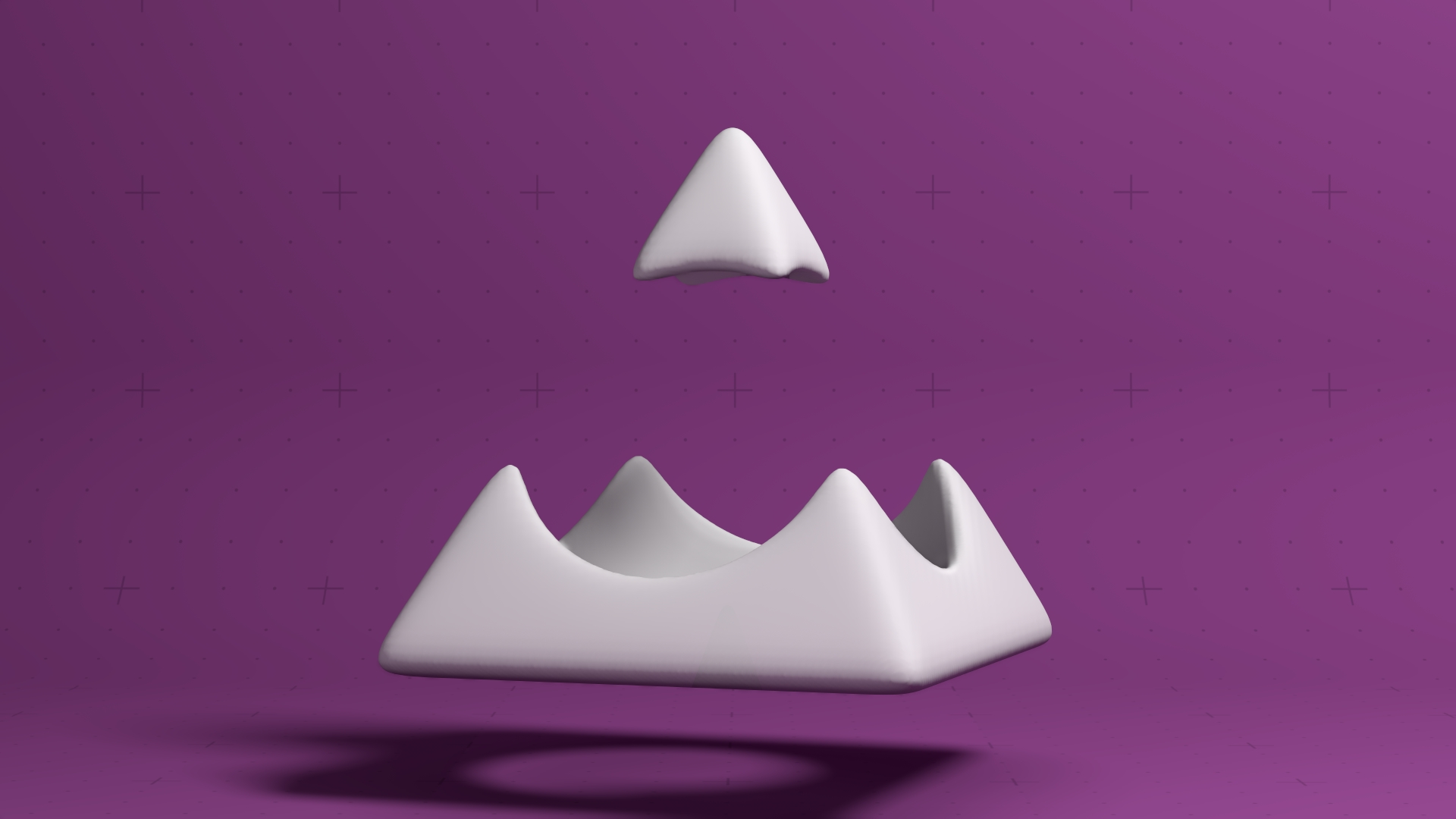
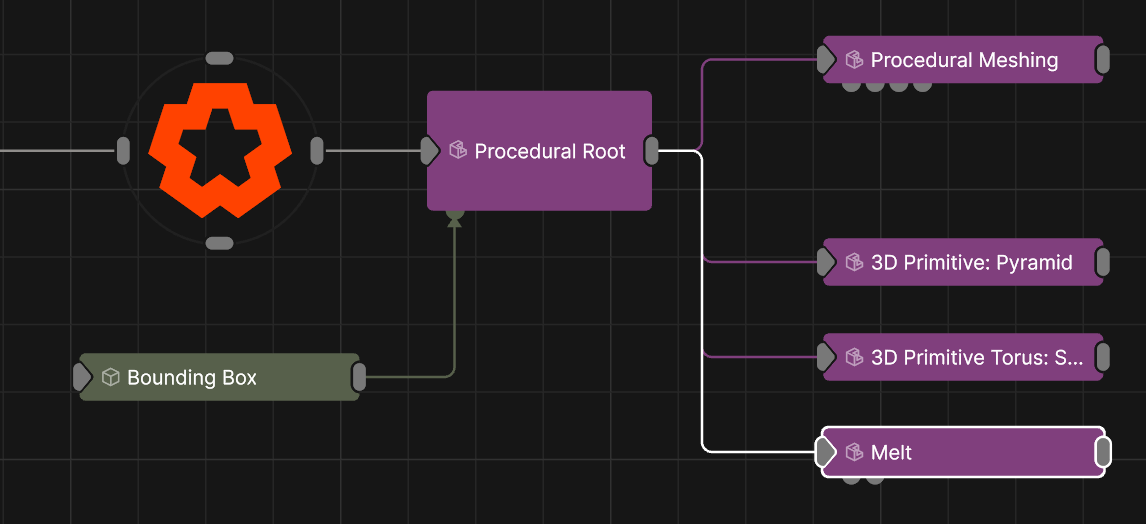
Updated: 15 Sep 2026
Smooth a procedural.
This node smooths the shape a procedural in 3D space, much like how a blur smooths an image in 2D space.
These properties control the 3D transforms of the node. Transforms will generally be inherited by child nodes, although they can be ignored through the Inherit Transform Channels attributes.
Control the inheritance of the transforms from the parent.
These properties control the core behaviours of the node.
| Parameter | Details |
|---|---|
| Distance Offset | Offsets the distance field values, causing the generated distance field to expand of contract. |
| CSG Mode |
These options change how a this procedural node combines with the existing of the procedural system.
|
| Fill Mode | Thickness of the Shell wall, when Filled Mode is set to Shell. |
| Shell Thickness | Thickness of the Shell wall, when Filled Mode is set to Shell. |
| Grid Width | Size of the SDF Grid used for generating this effect. |
| Grid Height | Size of the SDF Grid used for generating this effect. |
| Grid Depth | Size of the SDF Grid used for generating this effect. |
| CSG Blend Weight | How much the new procedural blends with the old procedurals, depending on the CSG Blend Weight. |
| Material Colour | Modify the colour for the procedural material. |
| Custom CSG Code | Type your Custom code here, using the HLSL language. Read more on Editable Code. |
| Iterations | How many iterations of the melft function are run. |
| Error Tolerence | How much deviation from the original surface the melt solver tolerates before re-solidifying. Lower values keep thin features for longer as they melt. |
| Use Colour | Affect the colour of the generated procedural system. only functions with ‘Generate Colours’ enabled in some Procedural Render nodes. |
| SDF Shader | An FX shader implementing a signed distance function evaluated to sculpt the surface. |
The properties control the time at which the node is active. See Timeline for editing time segments.
| Parameter | Details |
|---|---|
| Duration |
Control the duration of the node’s time segment.
|
| Node Time | The custom start and end time for the node. |
| Duration (Timecode) | The length of the node’s time segment (in time). |
| Duration (Frames) | The length of the node’s time segment (in frames). |
| Time Segment Enabled | Set whether the node’s time segment is enabled or not in the Timeline. |
| Name | Description | Typical Input |
|---|---|---|
| Source Procedural Root | Use a Procedural Root as an input, so the renderer is treated separately from the roots transforms. In this case, the renderer itself would be connected to the scene Root node. | Procedural Root |
| Bounding Box | Limit the area for which shadow casting will be calculated. | Bounding Box |
| Transform Modifiers | Apply the transforms of another node to this node. | Null |
| Target Node | Modifiy the rotations of the node to always direct the z axis towards the input. | Null |
| Local Transform Override | Apply the transforms of another node to this node, relative to its parent. | Null |
| Parameter Value Array | Used to set the parameters of the node using an array. | Parameter Array |