

Change Image Format
Updated: 12 Jun 2026
Changes the amount of channels and bit depth of an image

Updated: 12 Jun 2026
Changes the amount of channels and bit depth of an image
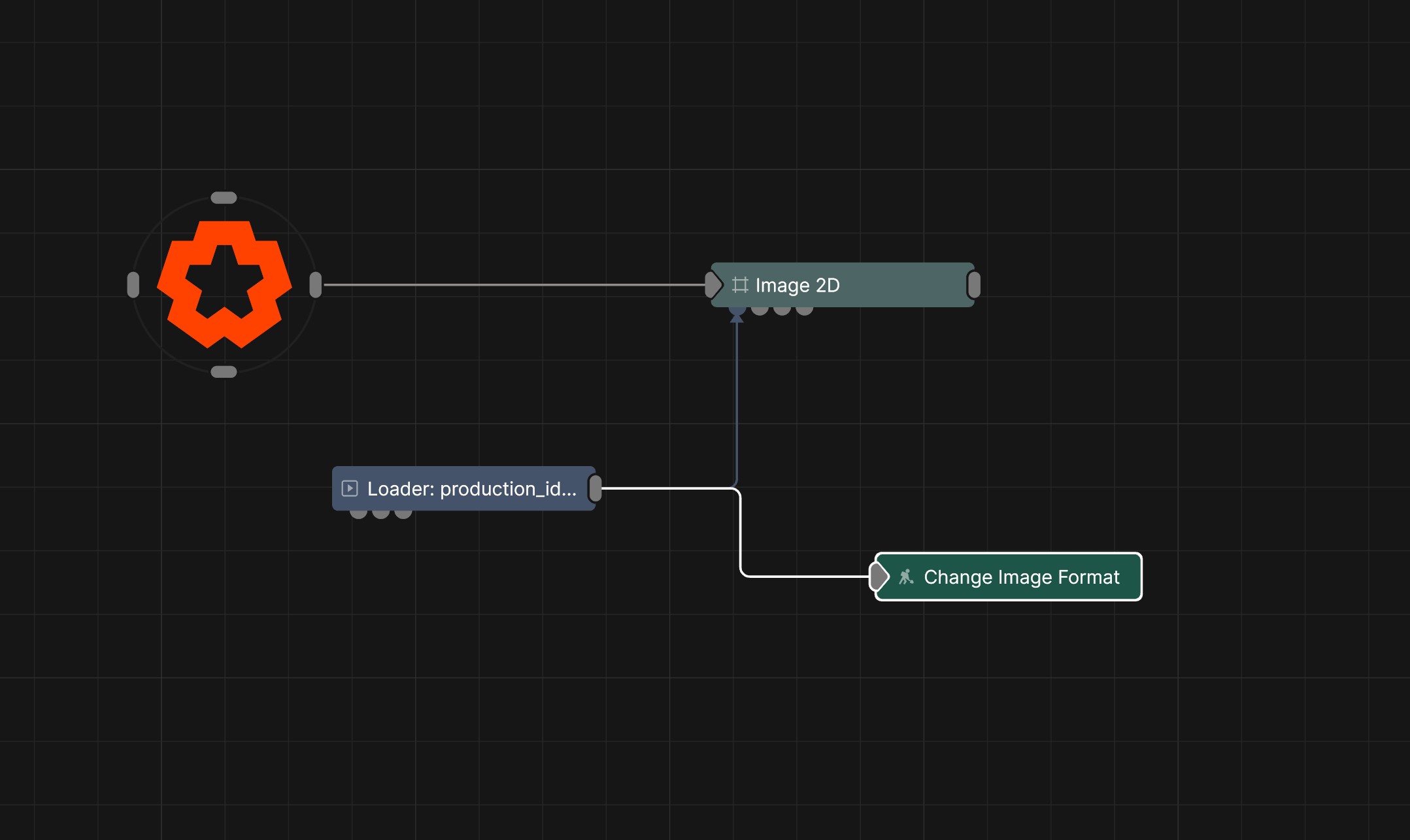
This node changes the amount of output colour channels and bit depth of the source texture, for example changing 16-bit textures to 8-bit, or 4 channel textures (RGBA) into single channel (R).
These properties control the core behaviours of the node.
| Parameter | Details |
|---|---|
| Active | Enables or disables the effect. Disabling the effect means it will no longer compute, so disabling a node when not in use can improve performance. |
| Output Format |
Format to convert the source image to
|
The properties control the time at which the node is active. See Timeline for editing time segments.
| Parameter | Details |
|---|---|
| Duration |
Control the duration of the node’s time segment.
|
| Node Time | The custom start and end time for the node. |
| Duration (Timecode) | The length of the node’s time segment (in time). |
| Duration (Frames) | The length of the node’s time segment (in frames). |
| Time Segment Enabled | Set whether the node’s time segment is enabled or not in the Timeline. |
This node has no inputs.
| Name | Description | Typical Input |
|---|---|---|
| Parameter Value Array | Used to set the parameters of the node using an array. | Parameter Array |