

Everything in Notch 2026.2
Updated: 30 Jun 2026
Updated: 30 Jun 2026
The complete guide to everything new in 2026.2
With 2026.1 cemented as a Gold release, 2026.2 builds directly on that foundation and opens Notch up to a whole new set of workflows. This release brings ONNX AI models, custom HLSL shader nodes, Gaussian Splats, a new Float Array / interactive data system, and substantial advances across physics, particles, deformers and cloning.
For a quick tour of the biggest changes, see the Release Highlights. This page is the complete list.
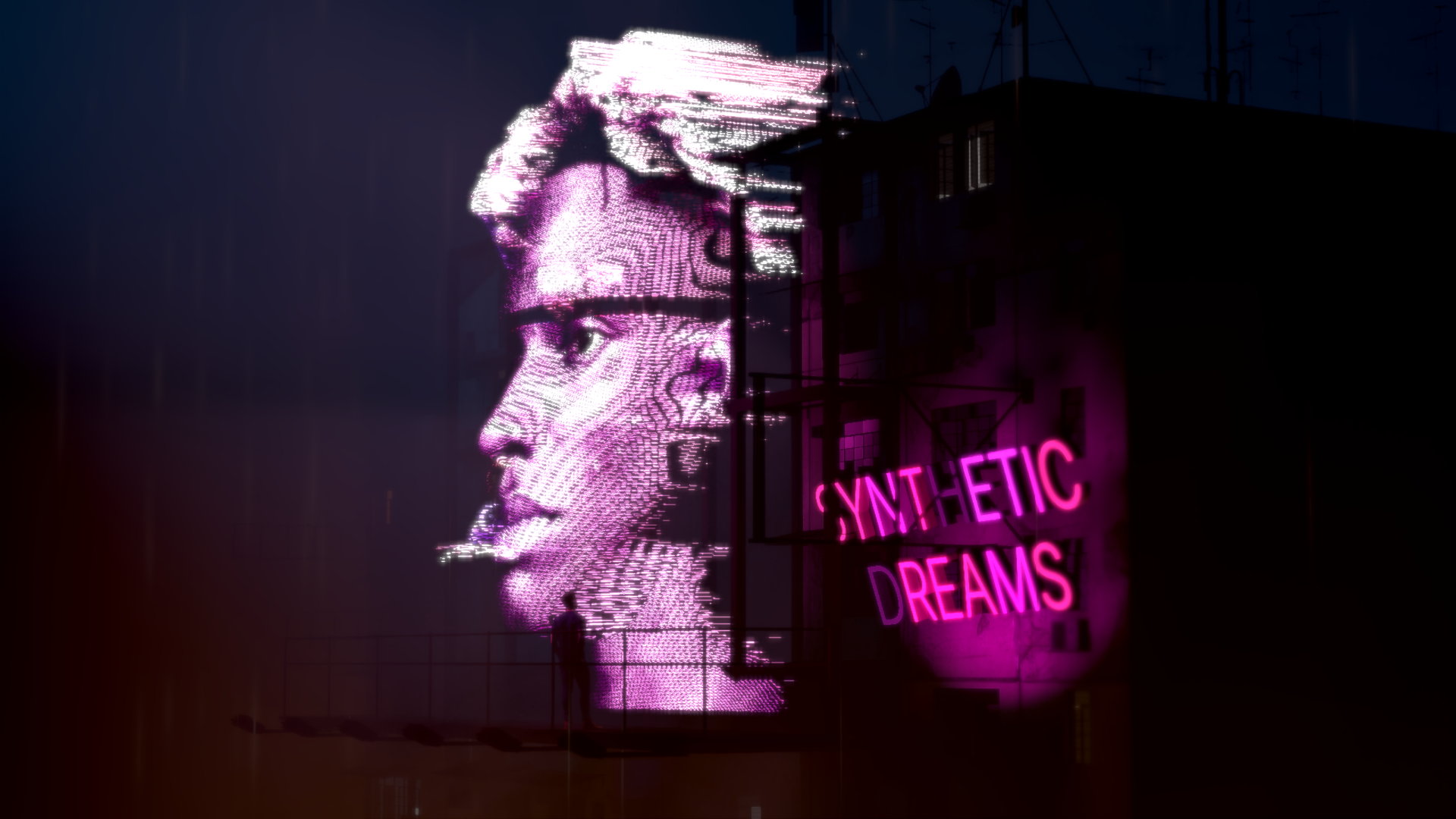
Notch has supported AI-based image processing for years — background removal, upscaling, tracking — but this was previously limited to a small set of NVIDIA models. With 2026.2 you can now run a wide range of third-party, state-of-the-art models directly inside Notch via the industry-standard ONNX (Open Neural Network Exchange) model format, imported as a new AI → ONNX Model resource.
These models enable advanced background removal, segmentation, depth and motion estimation, upscaling, feature tracking and more — often at real-time speeds. And if you’re feeling adventurous, you can train and use your own custom models. Models run directly inside Notch with zero additional latency and GPU-native performance in both Builder and Blocks.
The full workflow is covered in the new Working with AI Models guide.
| Node | Description |
|---|---|
| AI Model | Loads an ONNX AI model as a Post-FX node, fully integrated into the Notch rendering pipeline for image-output models (background removal, segmentation, depth, upscaling and more). |
| AI Face Tracker | Face detection and facial-landmark tracking using Google MediaPipe models; generates clones from the detected face landmarks. |
| AI Hand Tracker | Hand detection and hand-landmark tracking using Google MediaPipe models; generates clones from the detected hand landmarks. |
| YOLO Tracker | Real-time object detection and tracking using YOLO (“You Only Look Once”) models — a single network pass identifies and tracks objects in images and video streams. |
The tracking nodes live in the new Feature Tracking section. The Image Emitter can now tag particles with the ID from the YOLO Tracker via a new option on its “Colour Selection Mode” property.

The Nodegraph has always been Notch’s strength — a fast, iterative way to build complex scenes without writing a single line of code. But occasionally a bespoke behaviour is more easily achieved with code.
2026.2 introduces a new set of HLSL custom shader nodes so you can write your own effects that run straight on the GPU like everything else in the engine — fast, with no custom builds to compile and no need to quit Notch to do it. Just native shaders running in Notch and Notch Blocks.
| System | Node | Description |
|---|---|---|
| Post-FX | Custom Shader Post Effect | Write your own post effects in HLSL. Shader variable names containing underscores are now displayed with spaces in the property editor. |
| Particles | Custom Shader Affector | Create your own particle affectors that influence particle behaviour and motion using shader code. |
| Cloning | Custom Shader Effector | Expand cloner systems with your own effectors written in HLSL shader code. |
| Deformers | Custom Shader Deformer | Build your own geometry vertex deformers using HLSL shader code. |
The declaration of custom properties in shaders has also taken a big leap. Previously you could only declare floats, but now you can additionally declare colours, checkboxes and enum menus, with the ability to set min and max values for slider properties.
Shader resources also gained support for unembedding .fx files from the project, and the Resource Browser now highlights shader resources that fail to compile in red so they’re easier to spot.
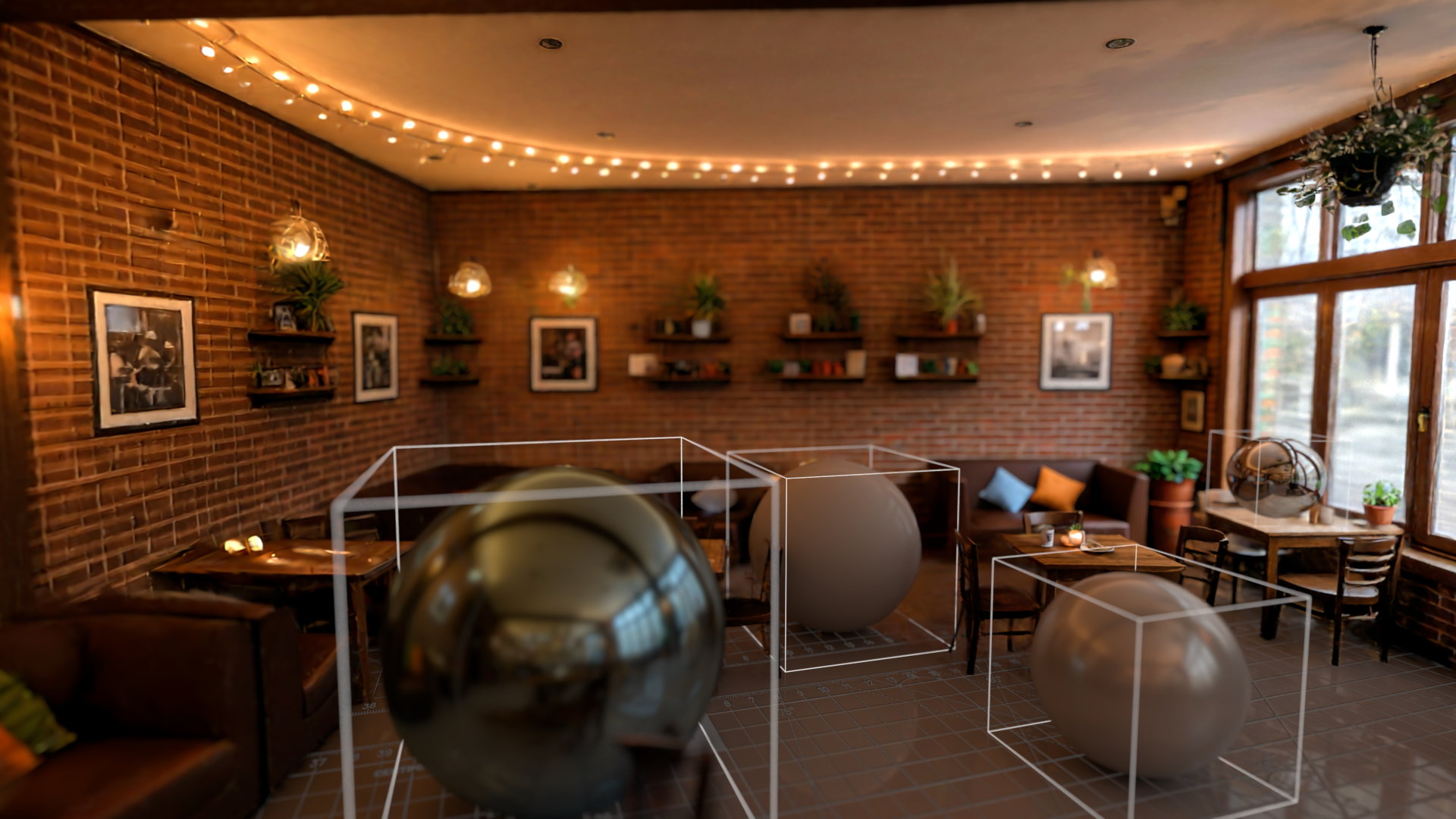
Gaussian Splats have become an important new way of representing 3D objects and scenes without the constraints of polygons and textures, and are a great method of capturing real-world scenes — new AI models can even generate a splat object from a single image.
We’ve integrated splats directly into NURA as a new kind of primitive. Simply drop your .ply file into the Gaussian Splats node. Splats are represented as collections of oriented volumetric points, allowing highly detailed reconstruction from photogrammetry and neural-rendering workflows while remaining efficient for real-time rendering.
Because they’re a first-class primitive, splats can be rendered in any NURA renderer, ray traced, and deformed by the deformer nodes. They interact with the rest of the 3D scene, and in suitable renderers they can be lit, reflected, deformed, and cast shadows.
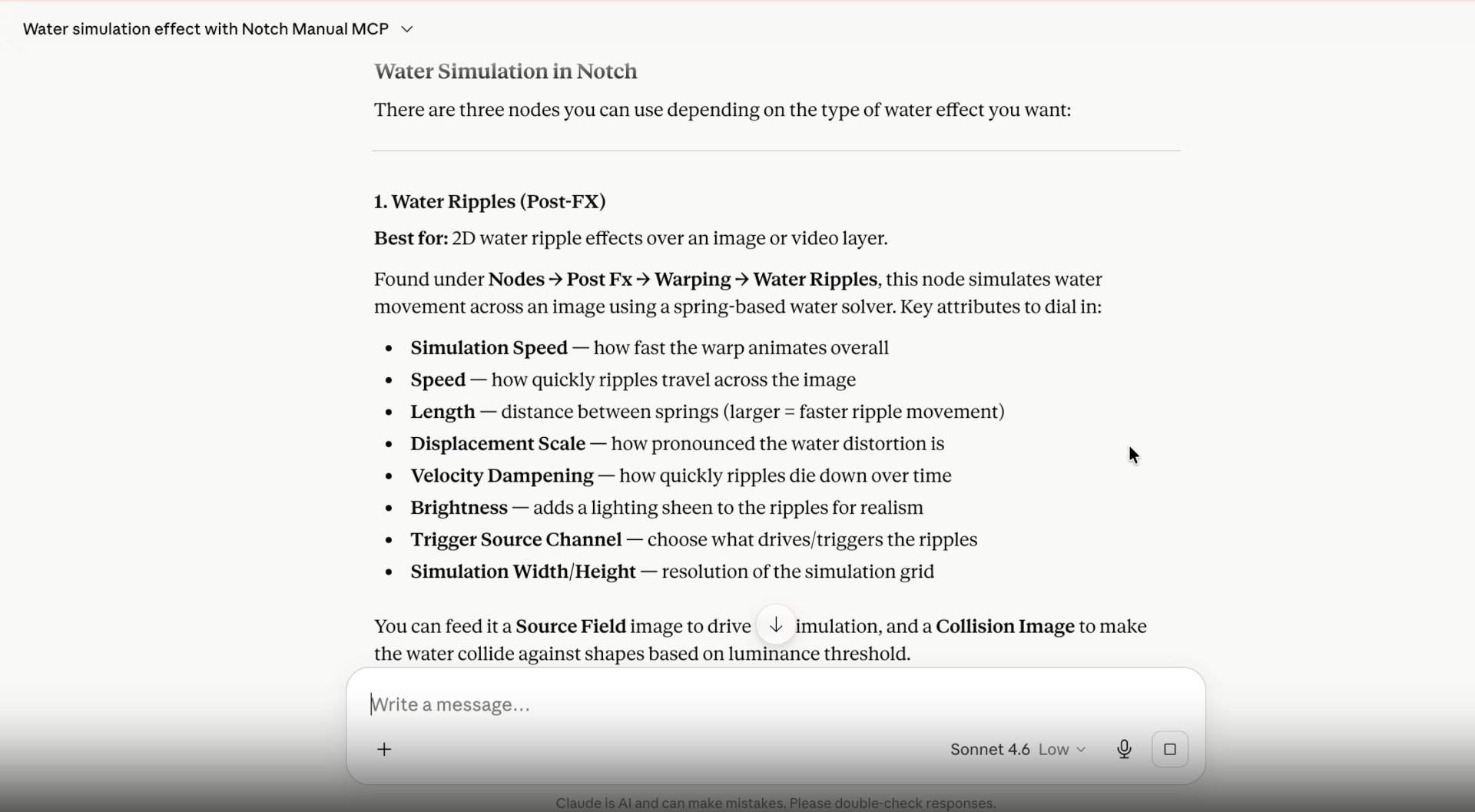
We know many users already reach for LLMs like Claude and ChatGPT to find answers to their Notch questions — and there are better ways to do it. Notch now offers a cloud-based Manual MCP connector, built on the open-source standard for connecting LLM applications to external systems.
Connect Claude, ChatGPT or whatever you use to the Manual MCP connector, to enhance access to knowledge on nodes & workflows, or provide help with custom shaders and scripting.
A brand new Float Array system makes Notch far more data-driven. Float arrays let you build collections of float values that can be generated from CSV files, OSC messages & modifiers or piped in as an exposed parameter from a media server. Once the float array is generated it can be used to drive points, text, custom parameters, and parameters on any node.
| Node | Description |
|---|---|
| Float Array | Stores an array of float values — the core of the new system. |
| CSV Float Array | Imports floating-point values from a row of a CSV file into a Float Array. |
| OSC Float Array | Builds a Float Array from incoming OSC messages on a specific address. |
| Parameter Array | Uses values from a Float Array to drive parameters on other nodes, as defined by an imported .json file. |
| Values To Float Array | Constructs a Float Array from multiple Modifier values. |
| Custom Parameters Node | Takes a Float Array and turns its values into your own named custom properties. |
Float arrays connect outward into geometry and text too:
| Node | Description |
|---|---|
| Float Array To Points | Generates a set of renderable 3D points from a Float Array, each visualised with a sphere of any radius and a material input. |
| Float Array To Text | Converts the contents of a Float Array into text for use in a Text node. |
There are new sources for creating Interactive Arrays.
| Node | Description |
|---|---|
| Cloner To Array | Creates an Array Source from a cloner system, letting you use cloner-driven looks interactively. |
| Hot Zone | The Hot Zone node now functions as an Array Source, treating each array element as an individual hit transform. This allows for easily scalable hot zone interactions with simpler node graphs. |
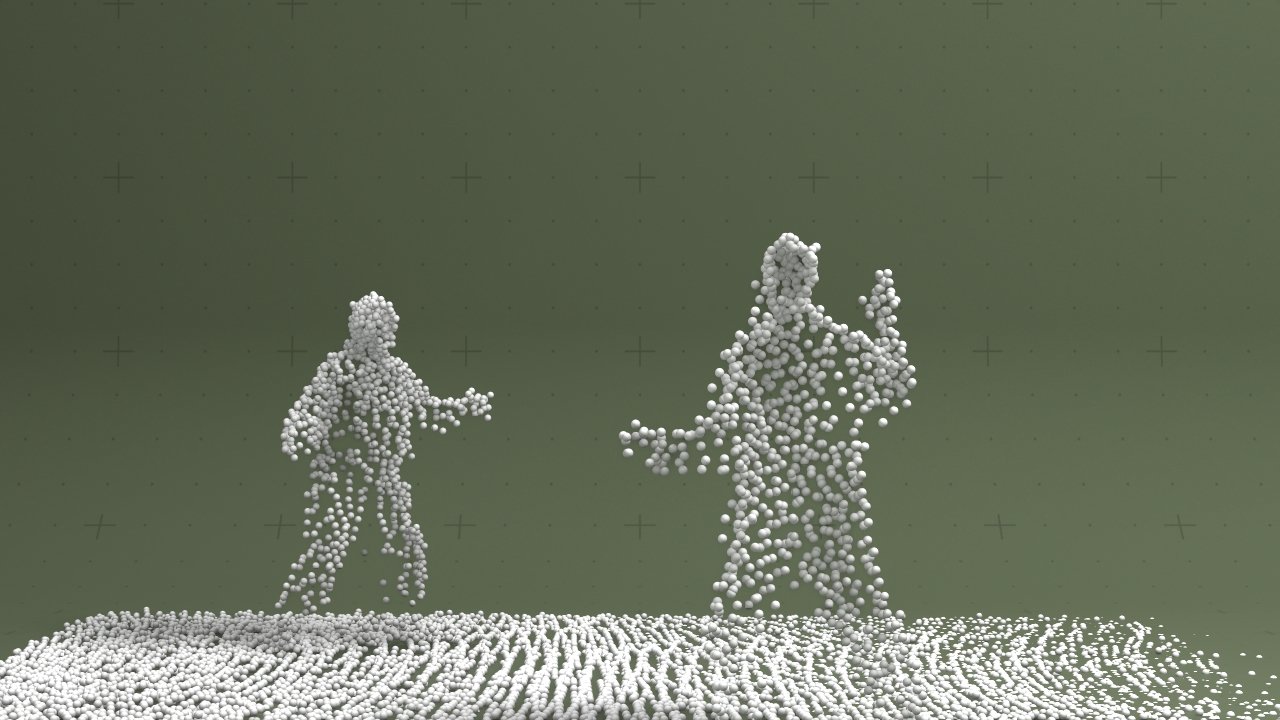
The new MOVIN Point Cloud node takes a stream of data from the MOVIN motion-capture system and uses it to display a highly accurate, world-scale point cloud — a collection of points in 3D space with real-world coordinates.
This complements the MOVIN Mocap Skeleton support added in the previous release and can be used for debugging or creative outcomes.
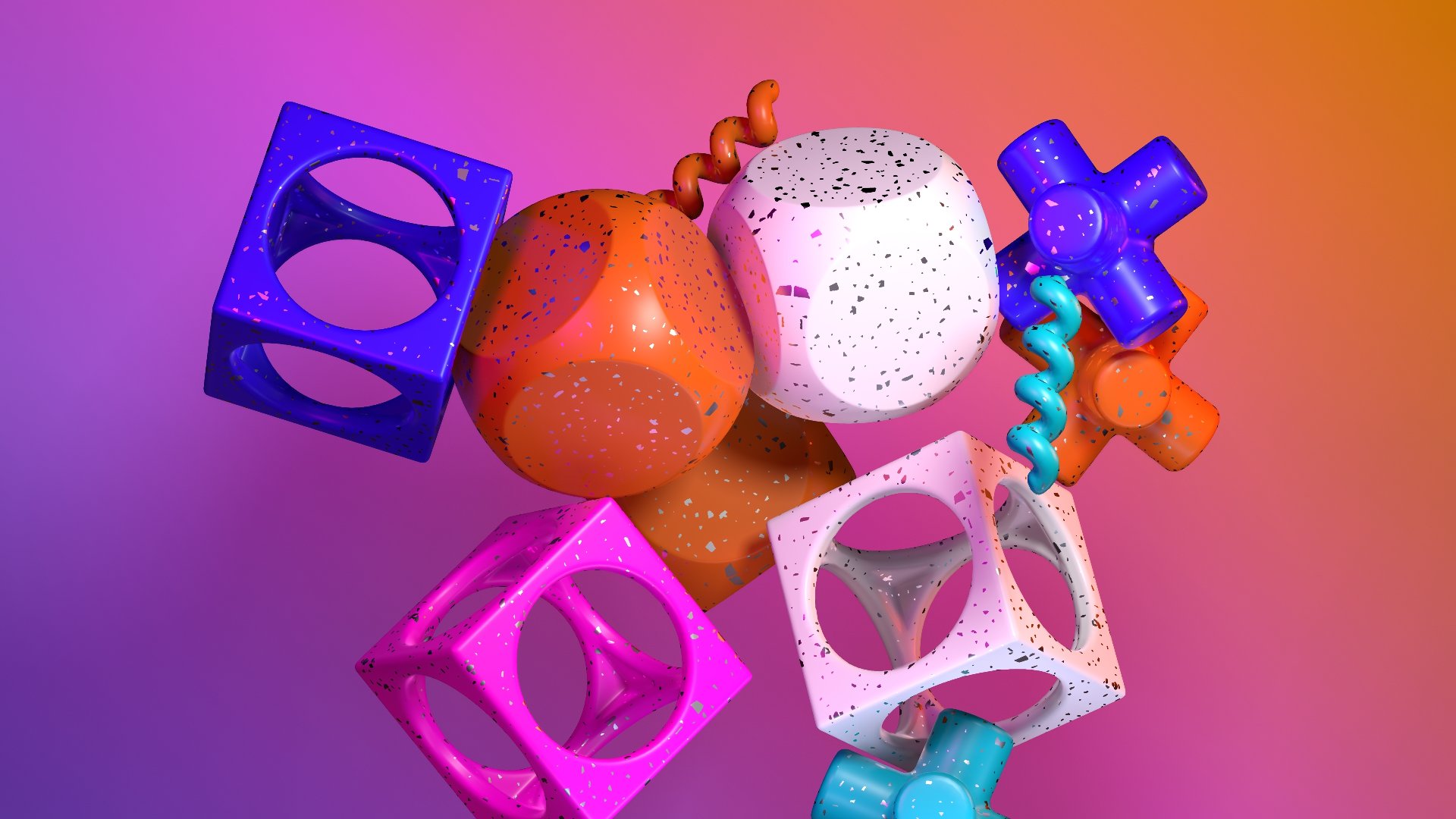
The rigid-body engine continues to mature with major new capability and stability work:
The new Transform Affector influences the position and rotation of physics objects using the transforms of a target — which can be a single object or a set of cloned objects.
The Physics Root gains a Frame Rate Mode property with “Free” and “Fixed” options (Fixed advances the simulation at a consistent rate for more deterministic results, capped at 20 internal iterations per frame to avoid GPU stalls), plus a Reset input pin. The Rigid Body Procedural has improved friction handling and better compatibility with procedural generators such as Fractal Noise, and the Force Affector is more stable at high “Amount” values.
The cloth and rope physics deformers receive a substantial set of new controls:
Cloth Deformer and Rope Deformer:
The Connect With Lines deformer adds a Curved option to its “Line Mode”, plus Source Weight and Dest Weight properties controlling how much of the source and destination normals shape the curve. Its UV calculation now matches the Spread Lines deformer.
And, as noted above, the new Custom Shader Deformer lets you write your own vertex deformers in HLSL.
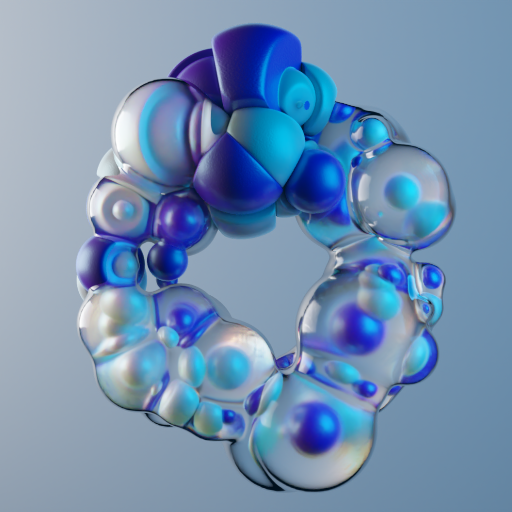
Particle affectors gain a wide range of new controls, and the “Falloff” property group is now consistent across all affector nodes:
The Image Emitter adds a “Particles Use Image Colour” toggle and an “ID” option for “Colour Selection Mode”, which tags particles with the ID from the YOLO Tracker. The Fluid MPM Affector now takes particle weights into account for its “Surface Tension”.
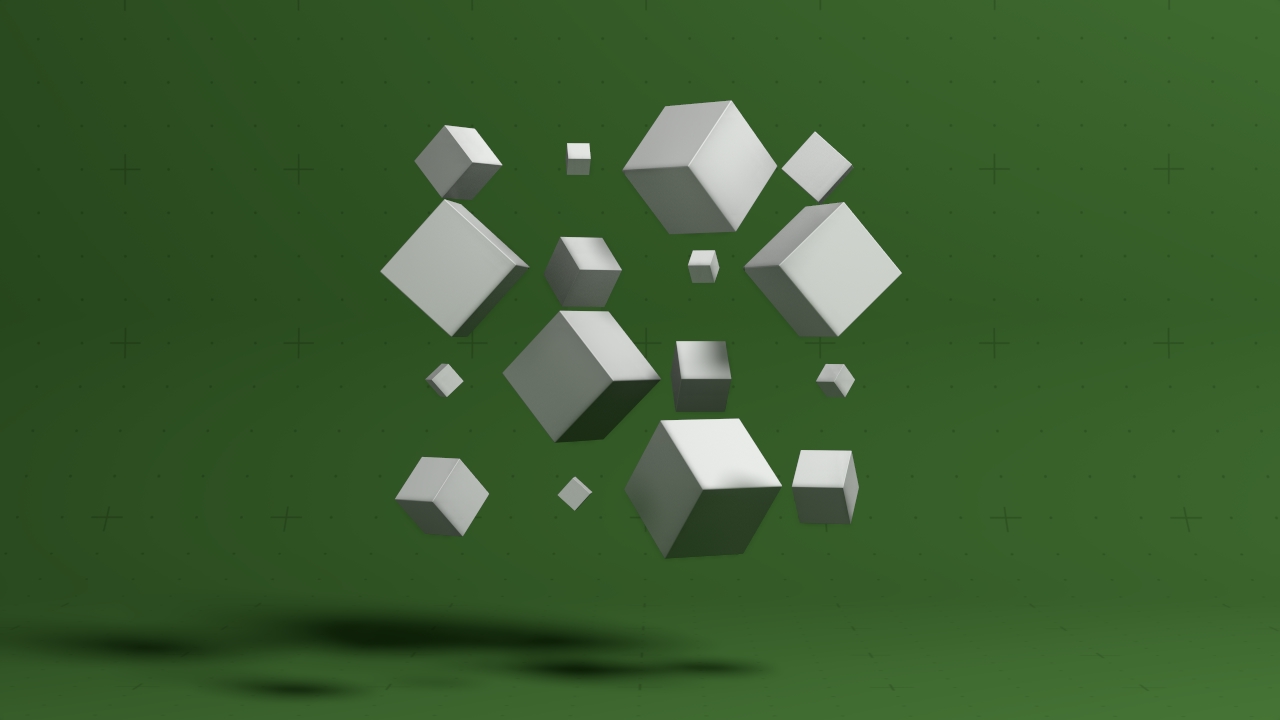
The new Continuous Effector applies a time-based rotation, scale and translation to every clone — perfect for continuous, linear patterns of movement. The new Custom Shader Effector opens cloner systems up to HLSL (see above).
The Image Cloner adds “Displacement Fill Mode” and “Displacement Fill Threshold” properties, duplicating clones for pixels with high displacement based on a threshold. The Linear Cloner rotation Min/Max sliders now default to a 0–360 range.
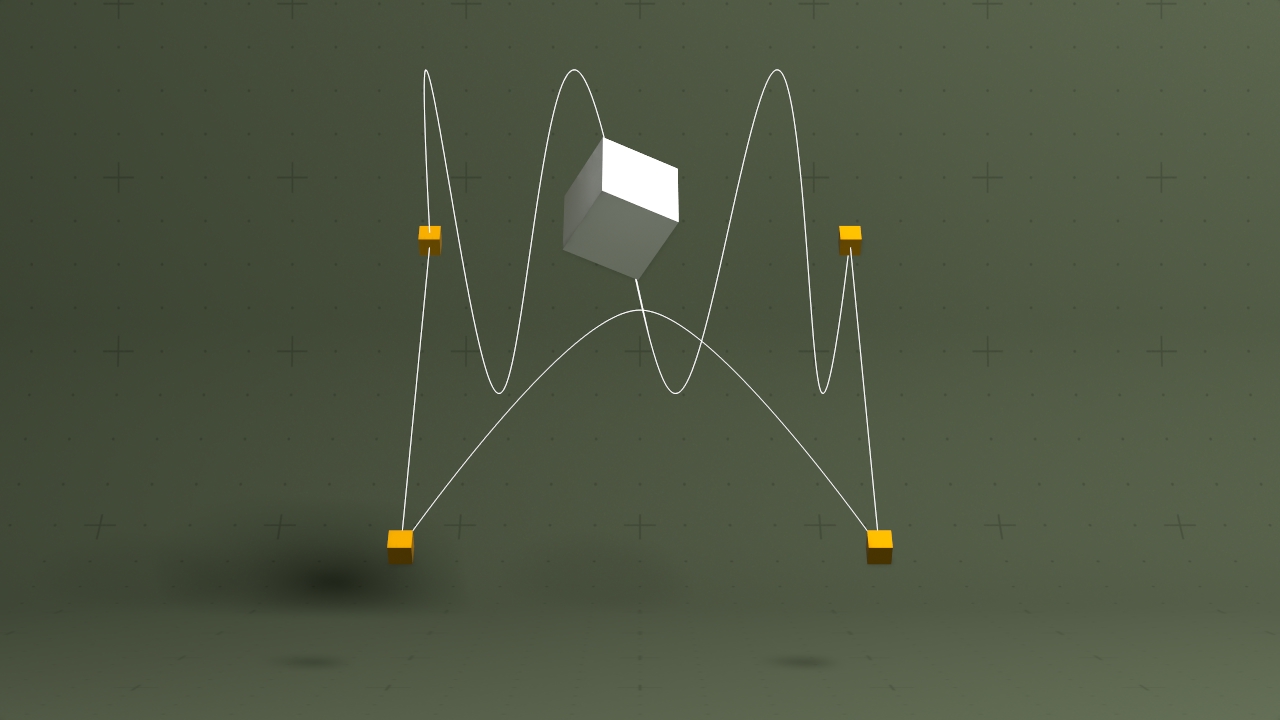
3D import received targeted improvements:
.colour, .Cd, .pscale, .orientation, rotation, .age, .size and .life.Four new nodes have been added to the 3D section of the Nodegraph:
| Node | Description |
|---|---|
| Multi-Null Interpolator | Define multiple Null points and interpolate between any pair of them, with global or per-path control over how each transition animates. (Pictured) |
| Float Array To Points | Generate renderable points from a Float Array (see above). |
| Gaussian Splats | Render imported .ply Gaussian Splat models (see above). |
| MOVIN Point Cloud | World-scale point clouds from MOVIN data (see above). |
Beyond the long requested Colour Gradient node, we’ve added some swiss army knife image processing nodes for better integration in wider pipelines.
| Node | Description |
|---|---|
| Colour Gradient | Generate and edit colour gradients using an arbitrary number of colour control points. |
| Normalise Colour | Remap an image’s colour values into a known 0–1 range. |
| Change Image Format | Change an image’s channel count and bit depth — e.g. 16-bit to 8-bit, or RGBA to single-channel. |
| Custom Object Mask AOV | Build a custom object mask from a set of objects and output it as an AOV from the Render panel. |
Existing nodes also improved:
The Generators gained a “Format” property for changing output image format and bit depth.
New node-object functions for the JavaScript Node give scripted control over time segments:
| Shortcut | Action |
|---|---|
J |
In the nodegraph, cycle through all exposed nodes without changing focus to them |
See all keyboard shortcuts.
.onnx) format. See Working with AI Models.The build toolchain has migrated from Visual Studio 2019 to Visual Studio 2022 (Platform Toolset v143, Windows SDK 10.0.17763.0), with the latest Visual C++ Redistributables added to the installer.
Our software signing certificate has recently changed, so Windows may display additional security prompts during installation. These are expected — click through them to complete the install.
For the full, fine-grained list of every change and bug fix, see the 2026.2 Release Notes.