

Working With AI Models
Updated: 17 Jun 2026
Updated: 17 Jun 2026
This section explains how to import AI models (.ONNX files) into Notch Builder and how they can be used within a Notch Block.
Please note that we support the integration and use of AI models within Notch. However, we do not provide support for creating, training, modifying, or troubleshooting custom ONNX models. Support is limited to the integration and use of compatible models within the Notch workflow.
There are also complete integrations of AI models already inside of Notch, for example in the Yolo, AI Hand Tracker and AI Face Tracker nodes. There is information on using these nodes in their respective sections. But this guide is focussed on using other models.
 Overview and Setup
How to use AI models inside of Notch - an overview and setup guide.
 In Notch Blocks
How to use AI models inside of Notch Blocks
 Example Models
Example AI models for use in Notch
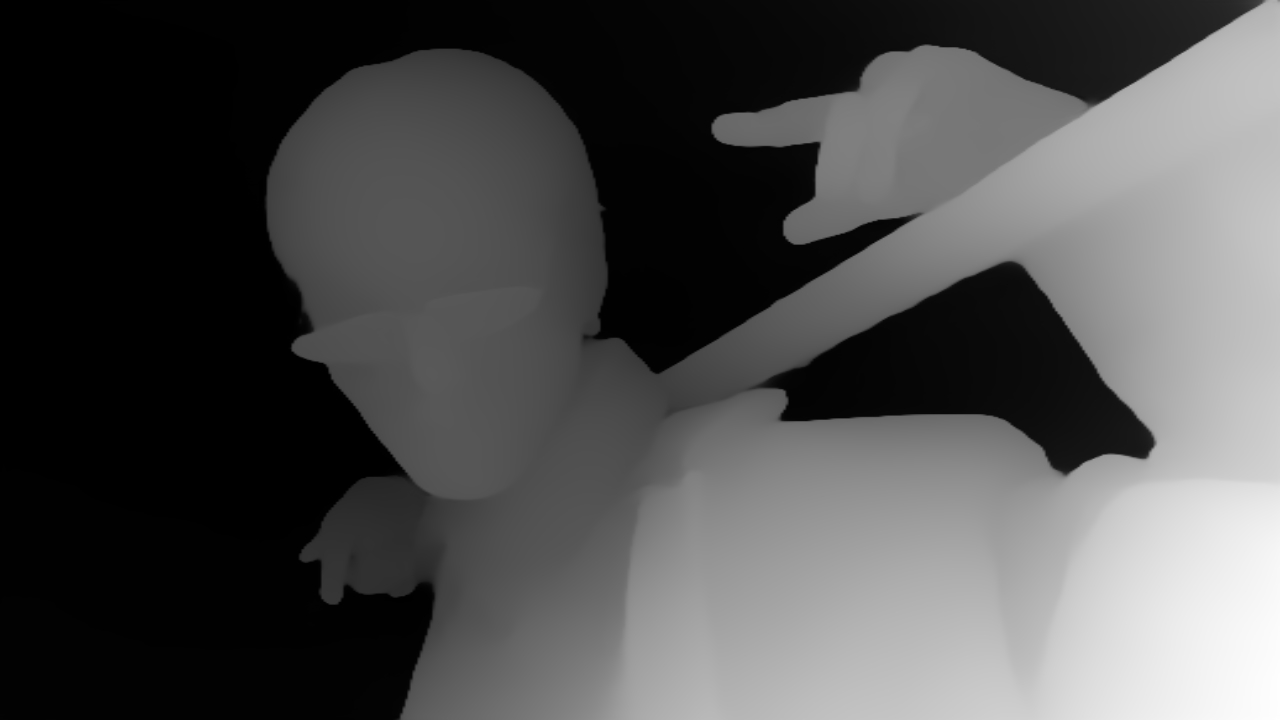 Example 1 - Depth Anything
How to use Depth Anything in Notch
 Example 2 - BiRefNet
How to use BiRefNet in Notch