Release Highlights
Updated: 30 Jun 2026
Updated: 30 Jun 2026
In 2026.2 we’re opening up Notch to work more effectively with AI workflows, and we know that’s a complex topic that lands differently for everyone. So we want to be upfront about why we built these integrations and how you can use them.
Notch has always been built for artists, by artists, and that’s not changing. At the same time, we’ve always been about providing artists with the best available tools on the market - and there are some pretty useful new AI models/tools out there.
What this release does is give you the option to make it easier to bring some of those AI tools into your workflow in Notch. What we’re not doing is allowing AI to train on your content in Notch, replacing your creative workflow, or making any of it mandatory.
You’re in control, and it’s your choice whether you want to work with these tools.
Notch has supported AI-based image processing for years, including background removal, upscaling, and tracking, but this was previously limited to a small set of NVIDIA models.
With 2026.2, you can now run a wide range of third-party, state-of-the-art image processing models directly inside Notch via the ONNX model format. These enable advanced background removal, segmentation, depth and motion estimation, upscaling, feature tracking, and more, often at real-time speeds. And, if you are feeling brave, you can also train and use your own custom models.
Models run directly inside Notch with zero additional latency and GPU-native performance in Blocks and Builder. Image-output models use the Post-FX AI Model node, fully integrated into the Notch rendering pipeline.
Specialised models that output detection or tracking data are available in the AI Face Tracker, AI Hand Tracker, and YOLO nodes.
Read more on this expansive topic.
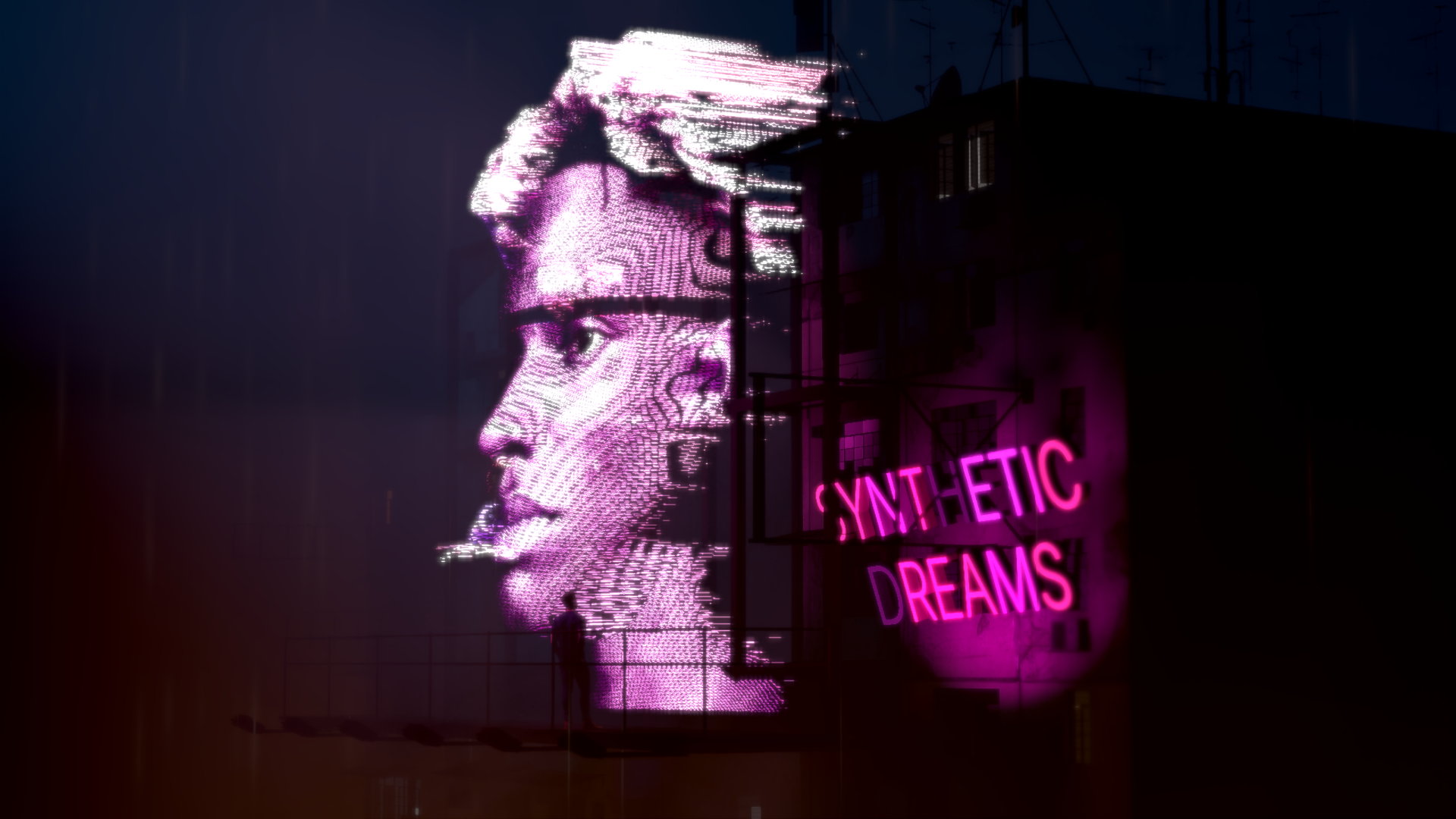
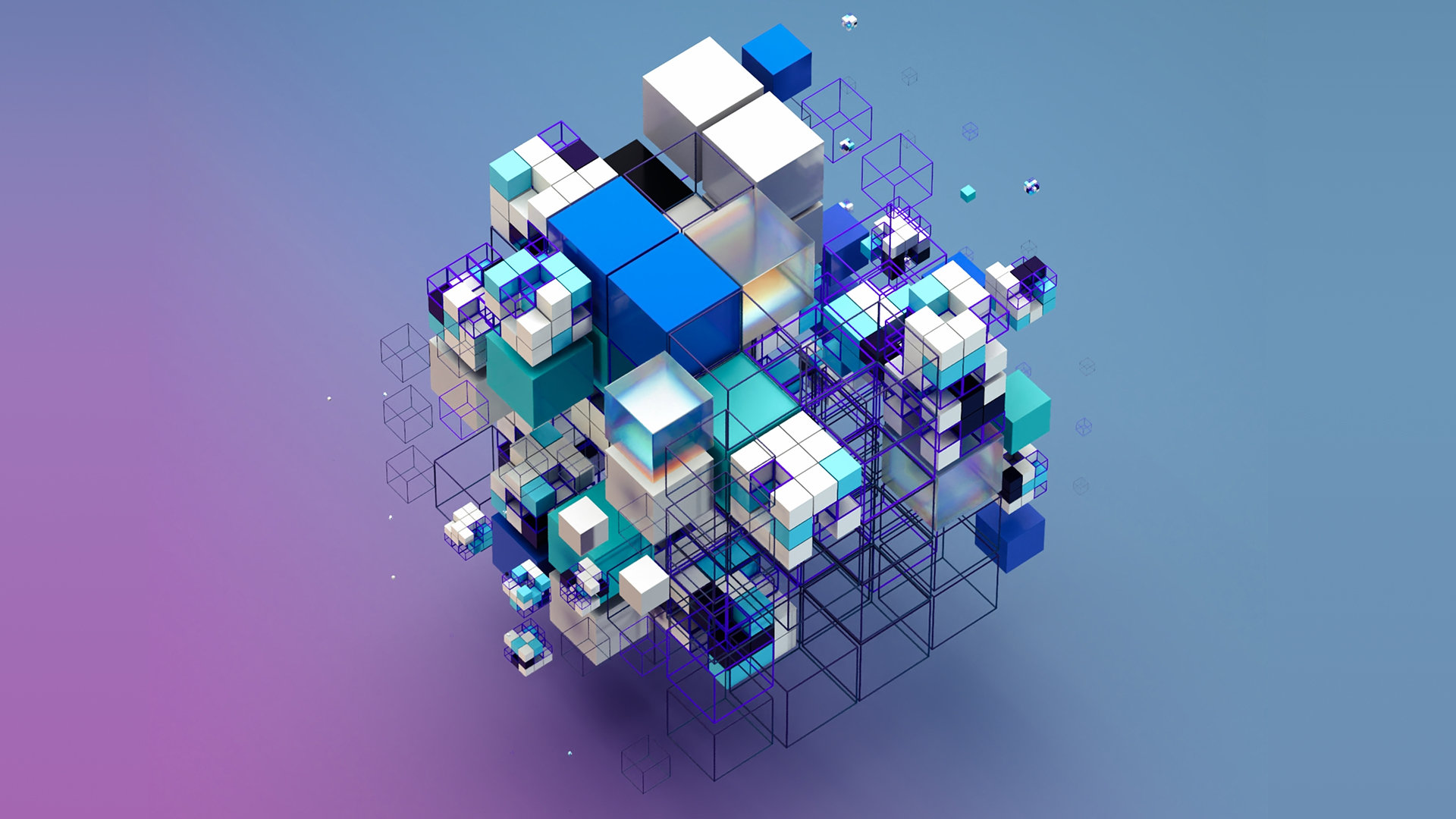
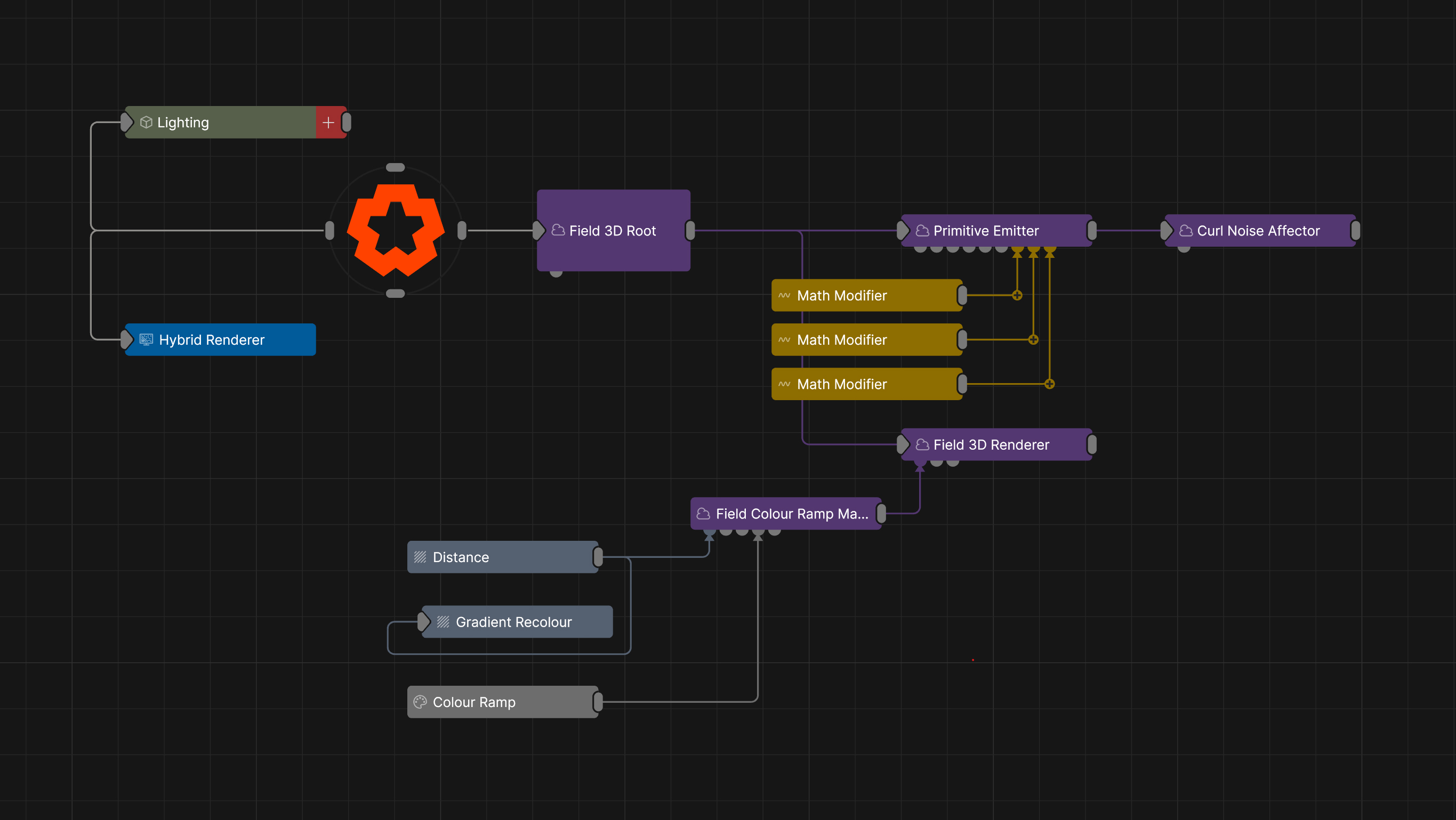
The Nodegraph has always been Notch’s strength – a fast, iterative way to build complex scenes without writing a single line of code. But occasionally, a bespoke behaviour is more easily achieved with code.
2026.2 brings a new set of HLSL custom shader nodes to make your own Post Effects, Particle Affectors, Clone Effectors, and geometry Vertex Deformers. Notch runs your shader code straight on the GPU like everything else in the engine, so it’s fast.
The best part is – no custom builds to compile, no separate headaches, and no need to quit Notch to do it. Just native shaders running in Notch and Notch Blocks.
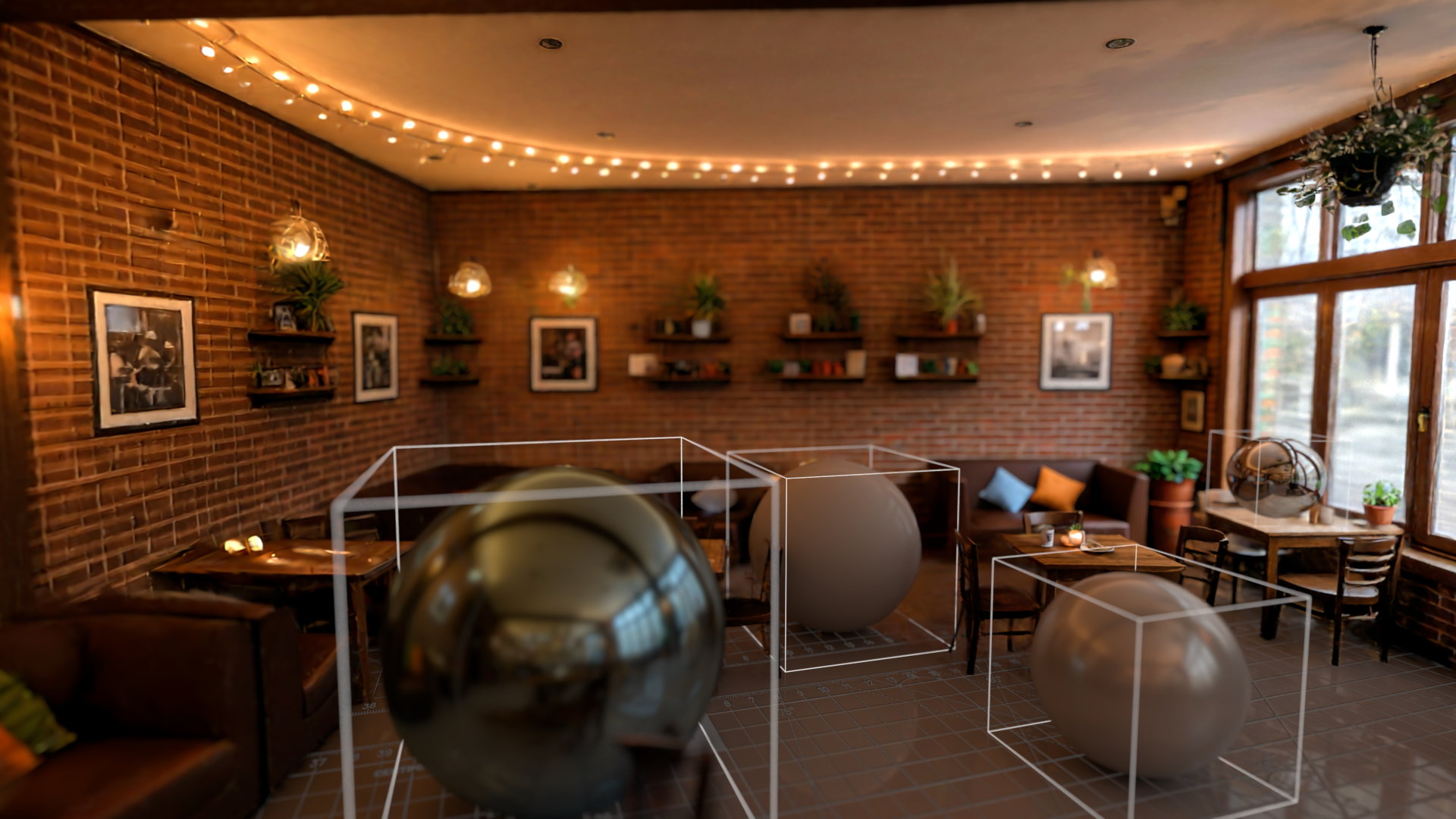
Gaussian splats have become an important new way of representing 3D objects and scenes without the constraints of polygons and textures, and are a great method of capturing real-world scenes and objects. New AI models can even generate a 3D splat object from a single image!
We’ve integrated splats directly into NURA as a new kind of primitive. Simply drop your .ply file into the Gaussian splats node.
Splats can be rendered in any NURA renderer, ray traced, and deformed by our deformer nodes. They can interact with 3D objects in the scene. And they can even be lit, reflected, deformed and cast shadows in suitable renderers.
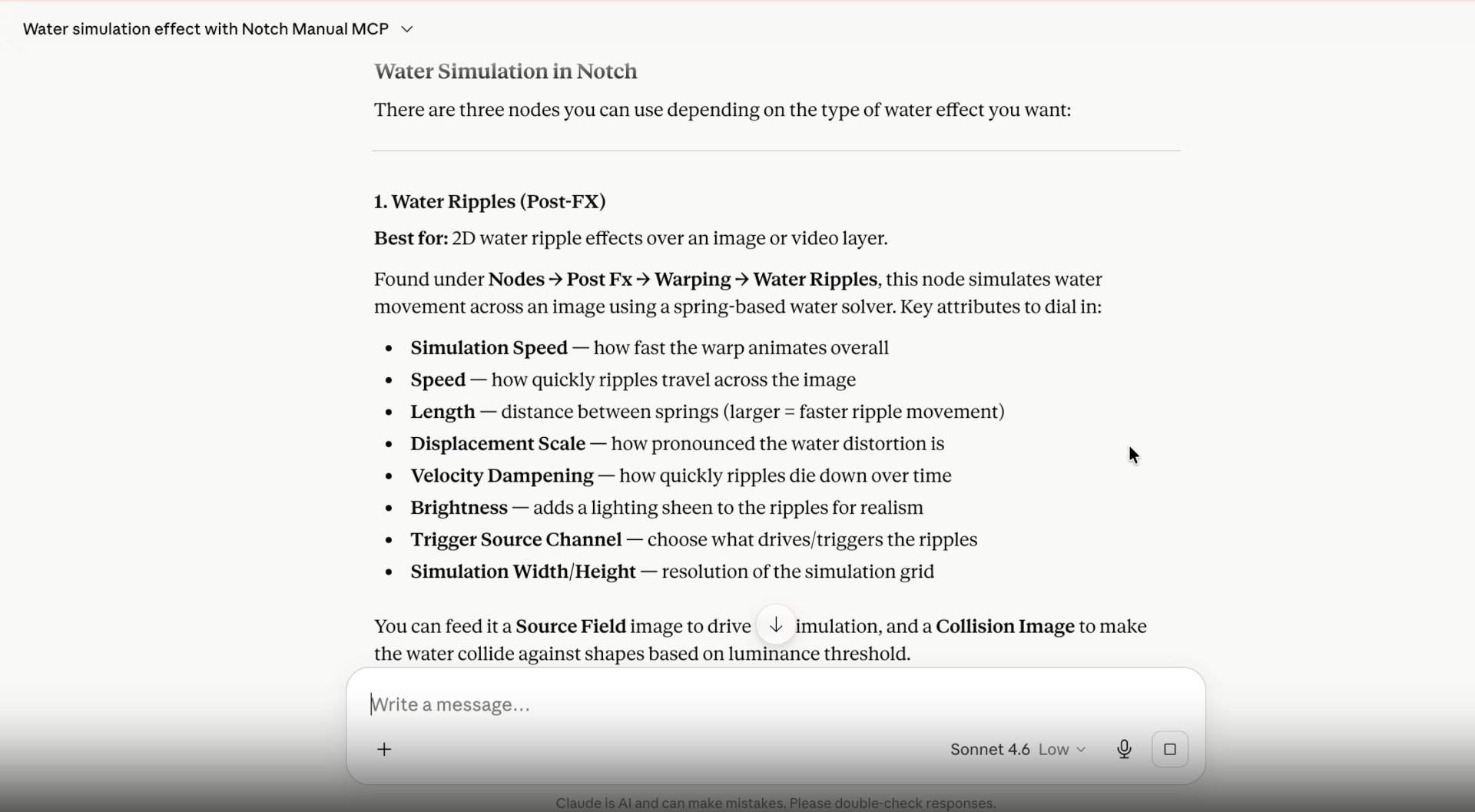
We know our users have already been using LLMs like Claude & ChatGPT to scrape the manual and find answers to their Notch questions. There are better ways though. Recently we introduced our cloud based MCP connector, the the open-source standard for connecting LLM applications to external systems.
Plug it into Claude, ChatGPT, or whatever you use – to get node graph & workflow insights, or help with custom shaders & scripting.
There’s so much more in this release. A new Float Array / interactive data system, and substantial advances across physics, particles, deformers and cloning. Read more in the Everything 2026.2 page.