

Output GBuffer
Updated: 15 Sep 2026
Render a layers GBuffers directly.


Updated: 15 Sep 2026
Render a layers GBuffers directly.
This node allows you to render one of the various GBuffers to the screen. GBuffers are geometry buffers - rendered images that contain geometric information rendered from the objects in the current view, such as normals, material IDs, positions etc. These may be useful when rendered and loaded into other software. This node can be connected to a Render Layer, Render to Texture, or the Root node - other nodes will output nothing.
Some channels will not work with the standard renderer. (Metalicness,Roughness…)
Composite Colour 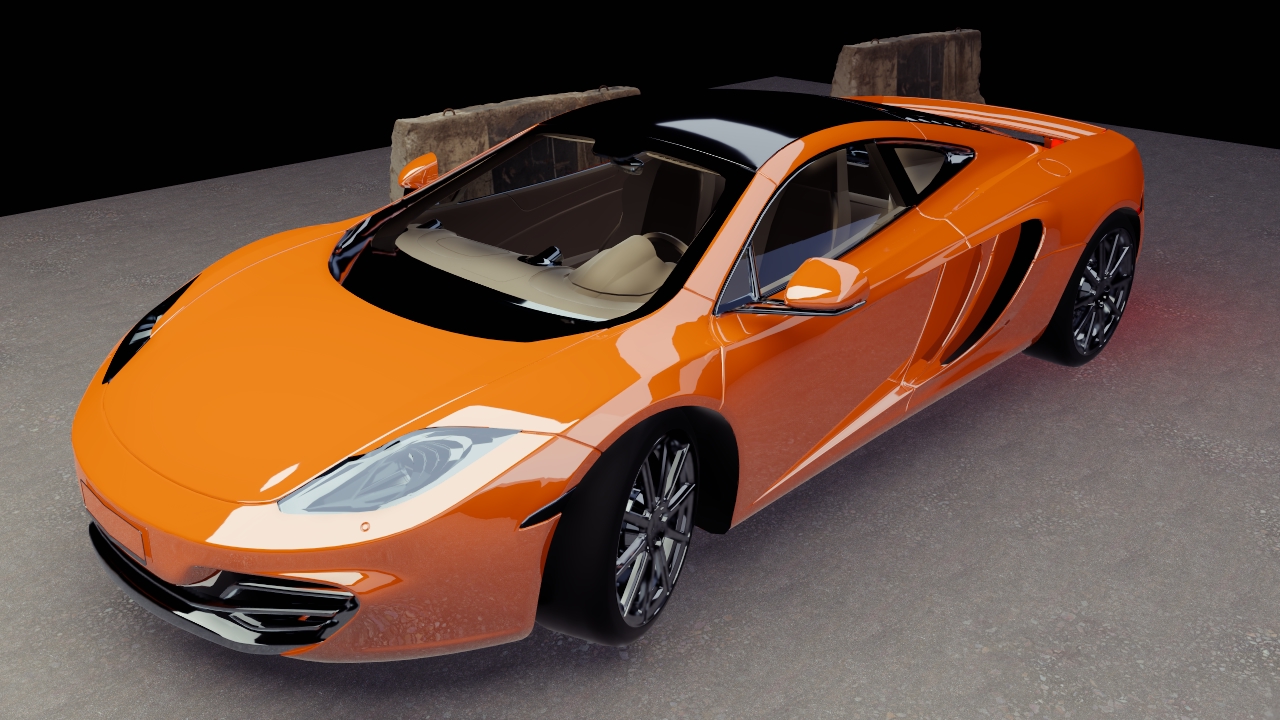 |
Colour 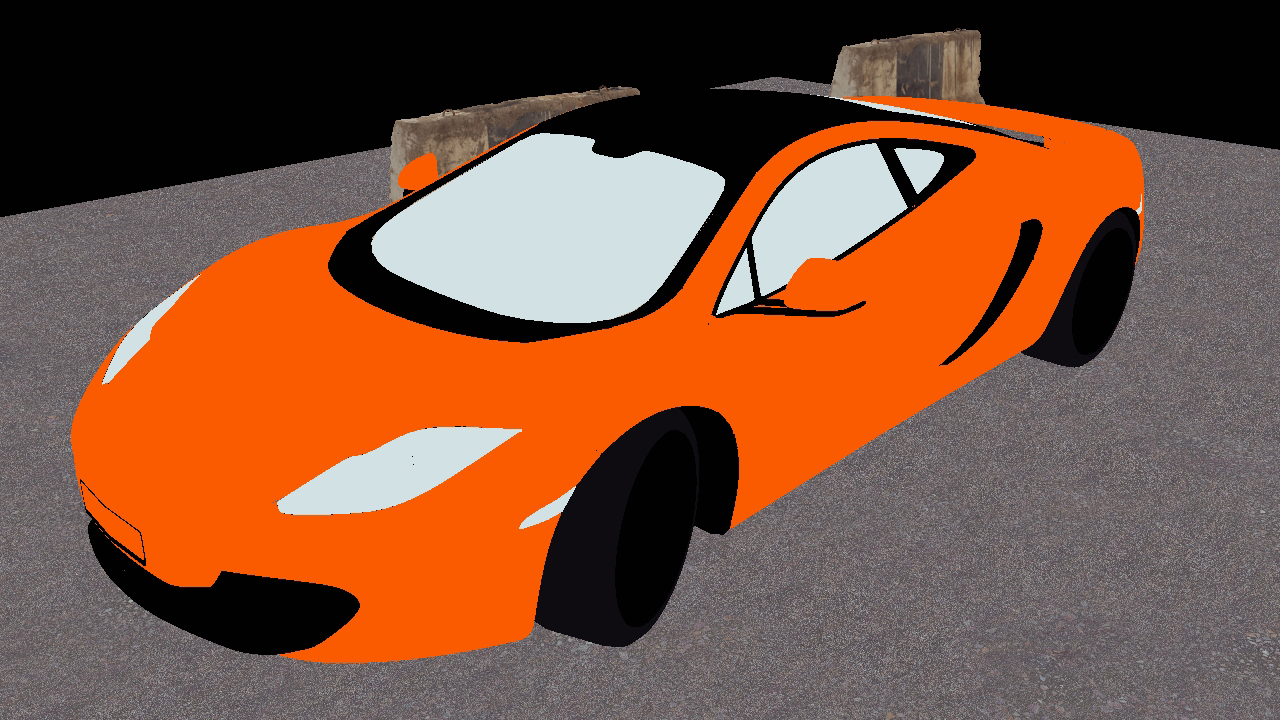 |
Alpha  |
Depth Camera Space 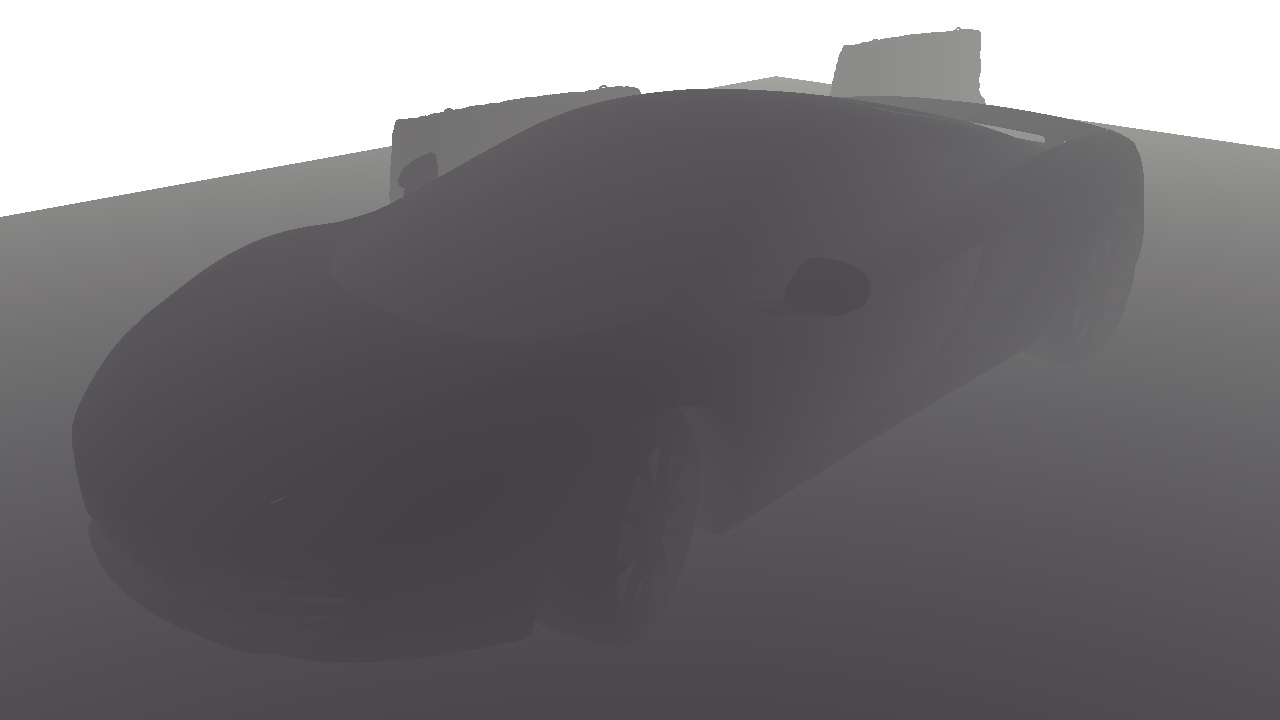 |
Metalicness 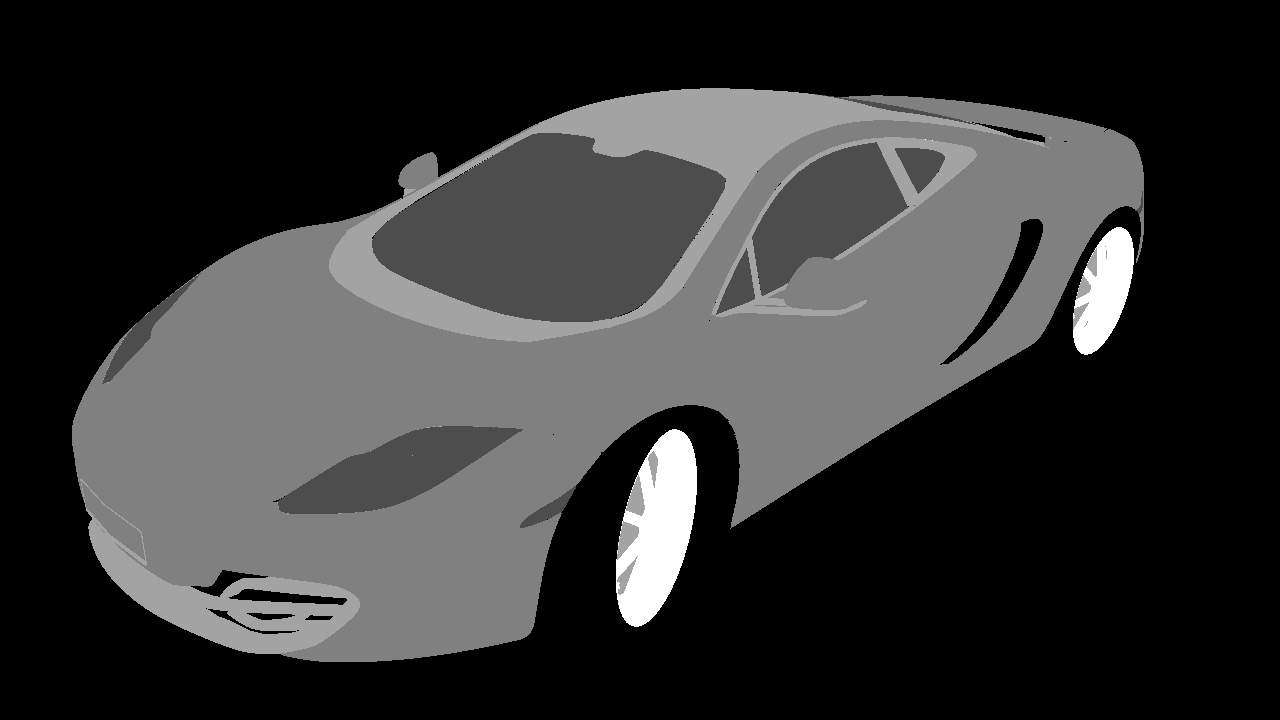 |
Rougnhess 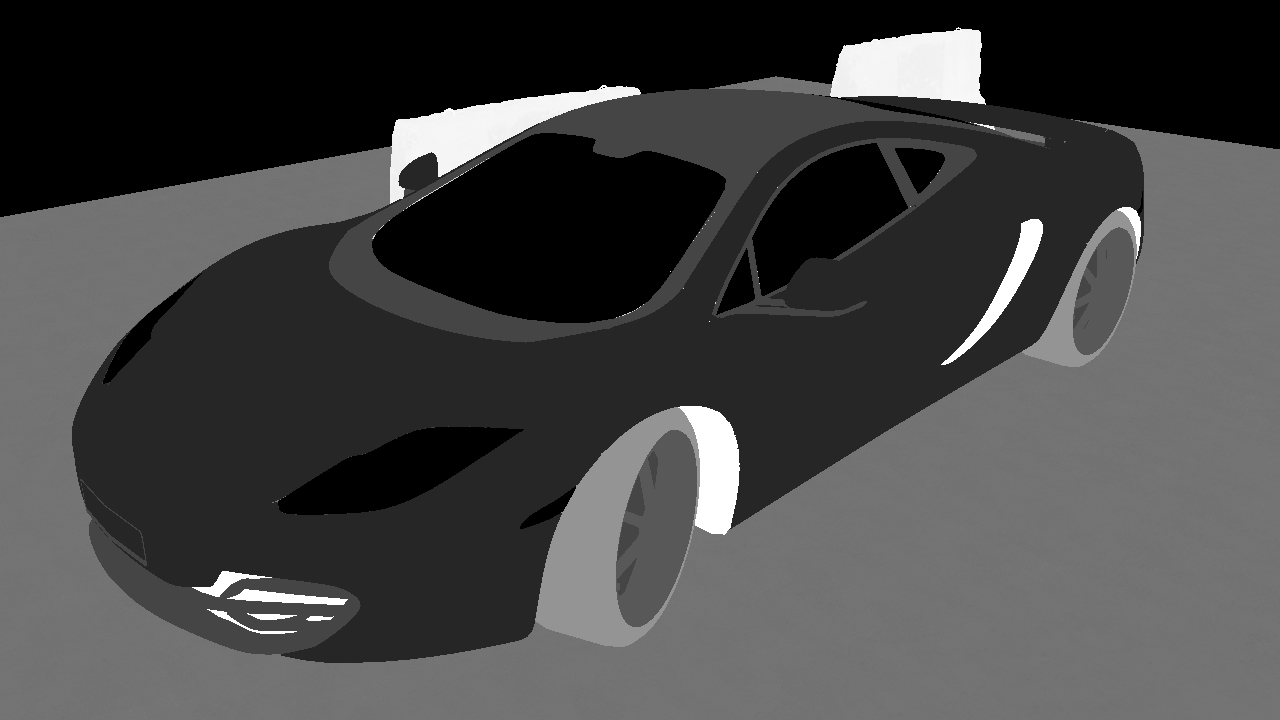 |
Specular Colour 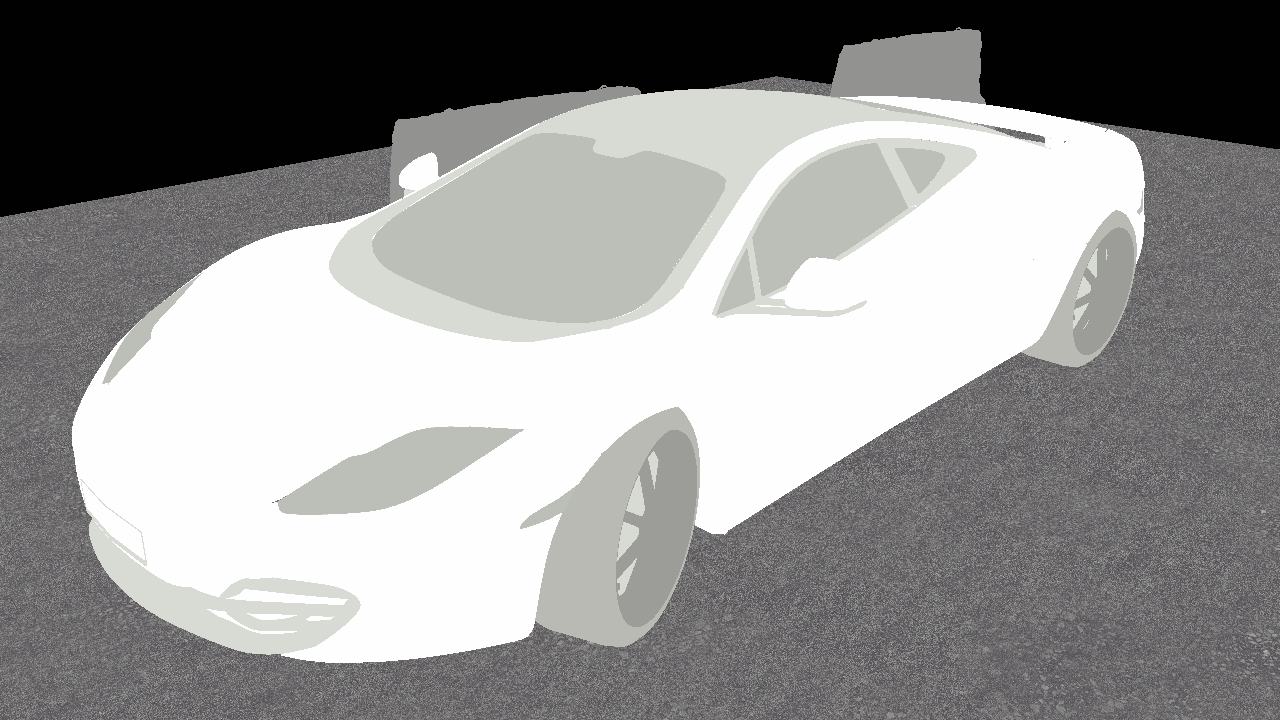 |
Normal Camera Space 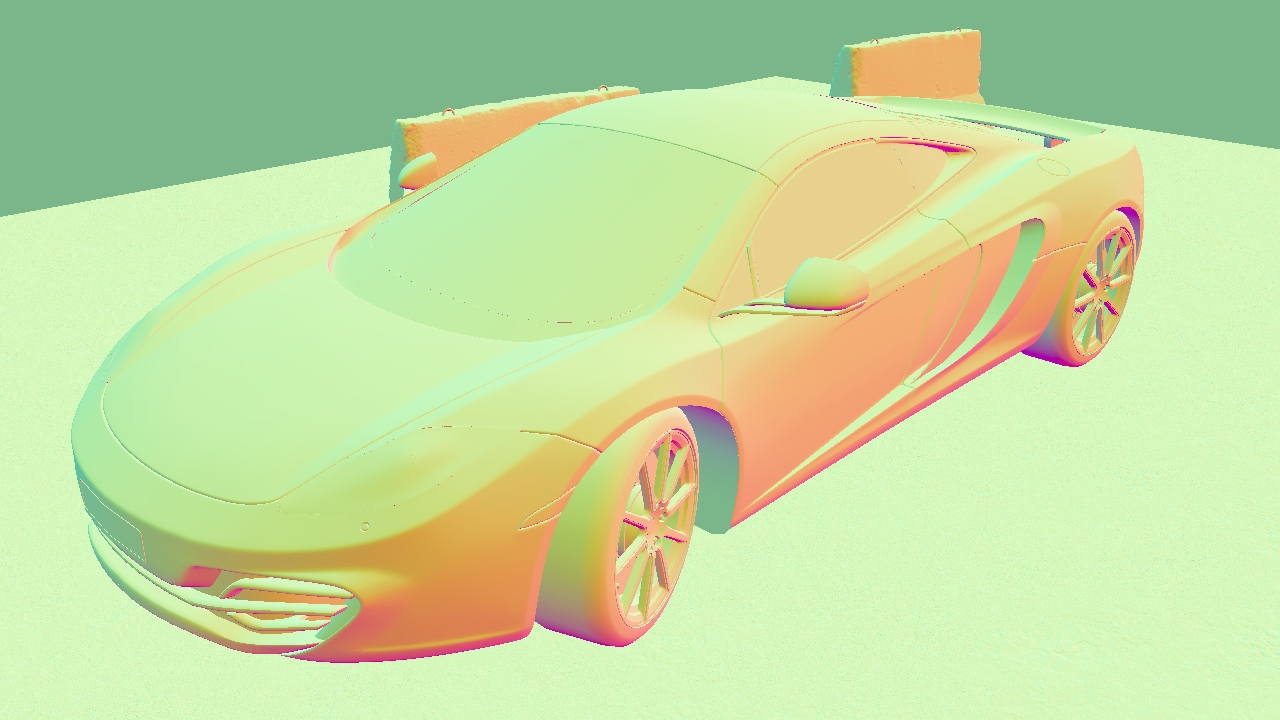 |
World position 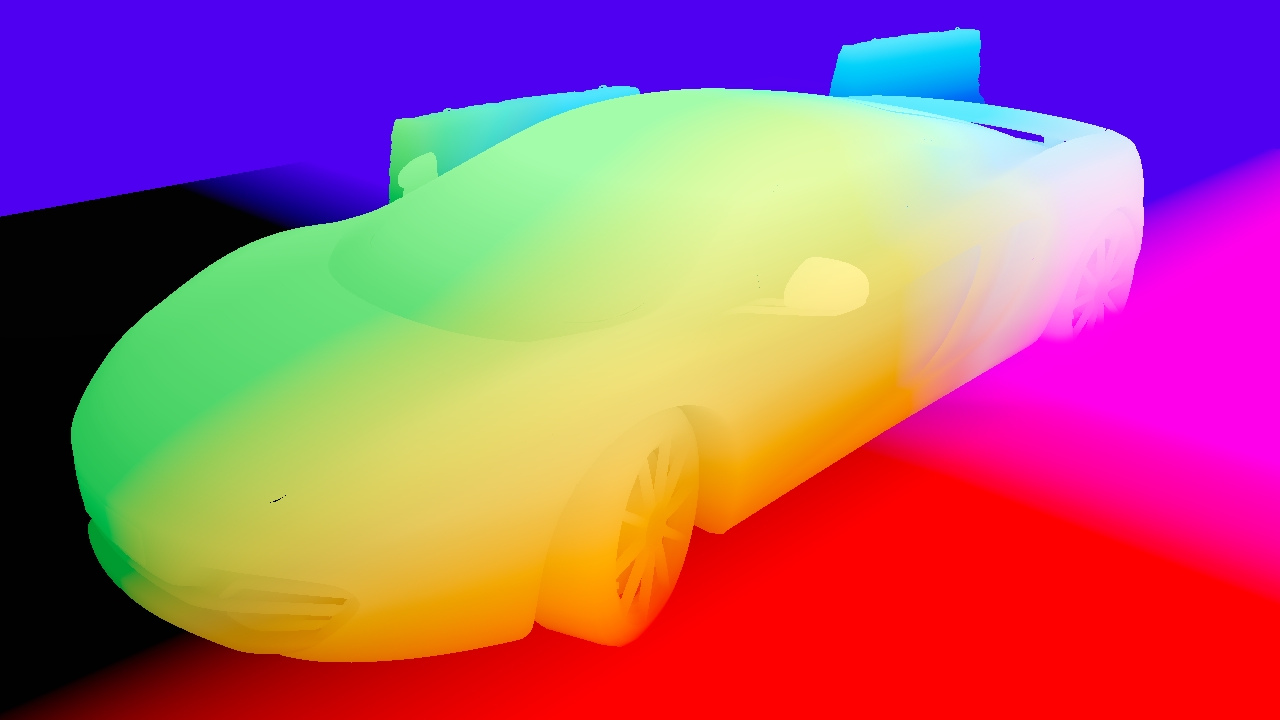 |
Material ID 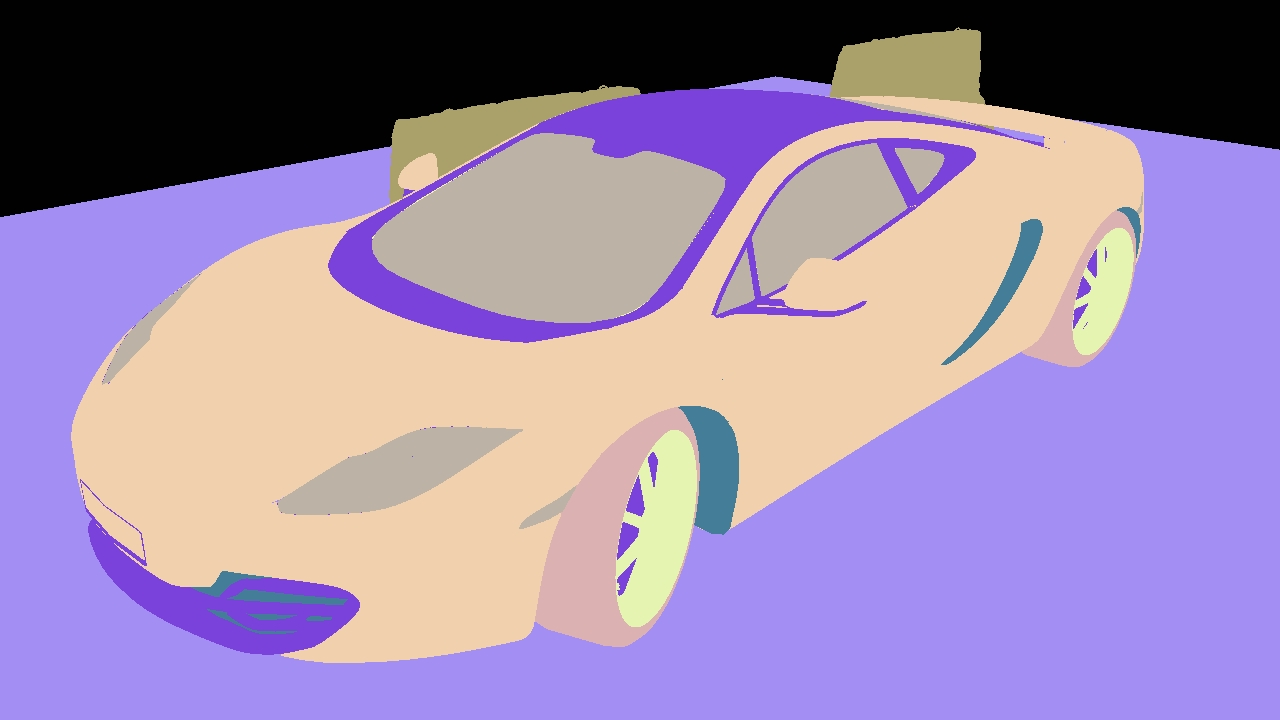 |
Object ID 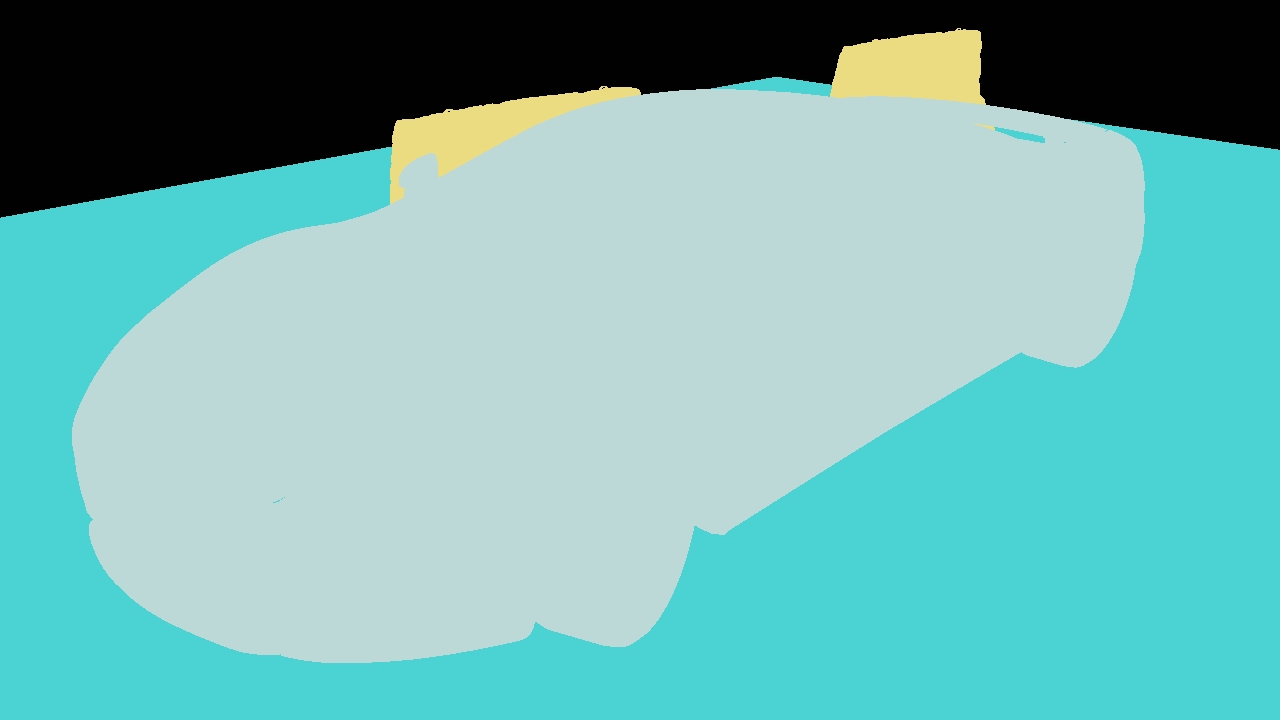 |
Normal World Space 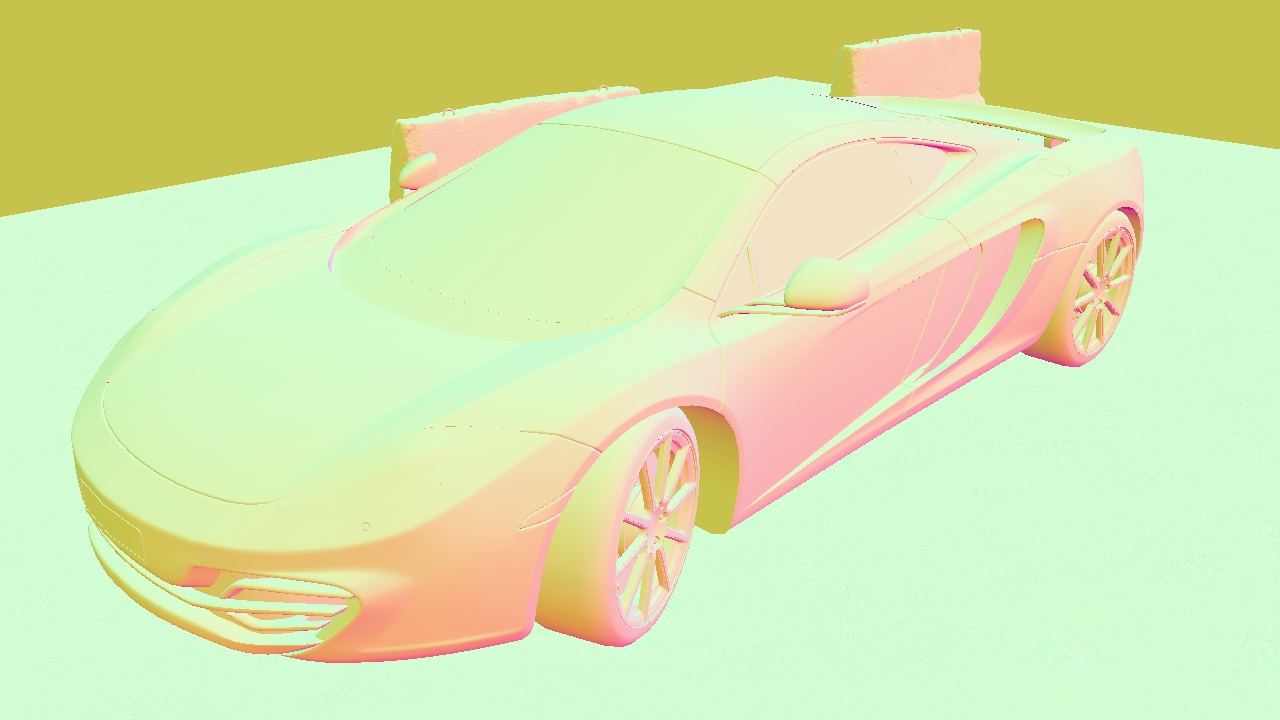 |
These properties control the core behaviours of the node.
| Parameter | Details |
|---|---|
| Active | Enables or disables the effect. Disabling the effect means it will no longer compute, so disabling a node when not in use can improve performance. |
| Blend Amount | Changes the opacity of the new effect over the original image. |
| Blend Mode (RGB) | Change how the generated effect blends with the parent image RGB. |
| Blend Mode (Alpha) | Change how the generated effect blends with the parent image alpha. |
| Affected Channels | Toggle which of the RGBA channels are affected by the effect. |
| Channel |
Select which gbuffer channel to output.
|
| Apply To Solid Geometry Only | Only apply the effect to solid geometry. Allows other objects in the scene to still be visible and un affected. |
The properties control the time at which the node is active. See Timeline for editing time segments.
| Parameter | Details |
|---|---|
| Duration |
Control the duration of the node’s time segment.
|
| Node Time | The custom start and end time for the node. |
| Duration (Timecode) | The length of the node’s time segment (in time). |
| Duration (Frames) | The length of the node’s time segment (in frames). |
| Time Segment Enabled | Set whether the node’s time segment is enabled or not in the Timeline. |
| Name | Description | Typical Input |
|---|---|---|
| Render Layer | Select a specific render layer to output the GBuffer for. | Render Layer |
| Objects | Control which objects are affected by the lighting. | 3D Object |
| Materials | Input for materials that you want to blend. | Material |
| Parameter Value Array | Used to set the parameters of the node using an array. | Parameter Array |