

Distortion
Updated: 5 Jun 2026
Add digital distortion to the image.
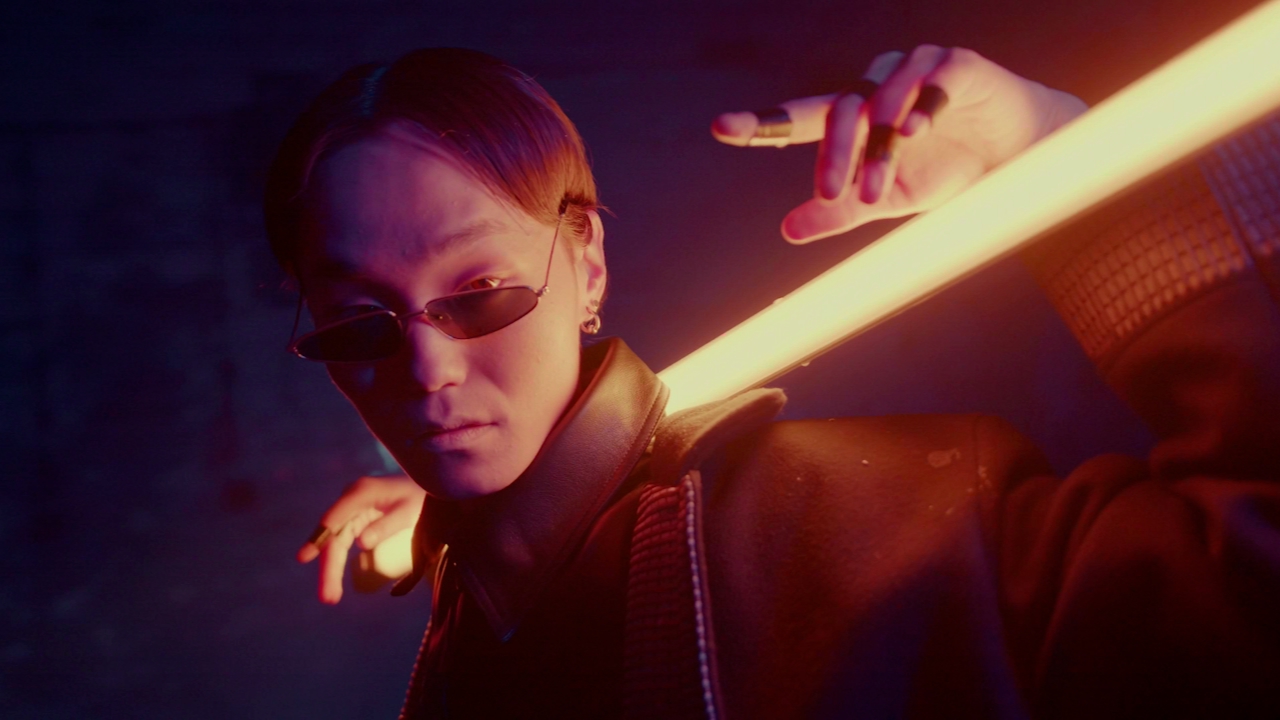
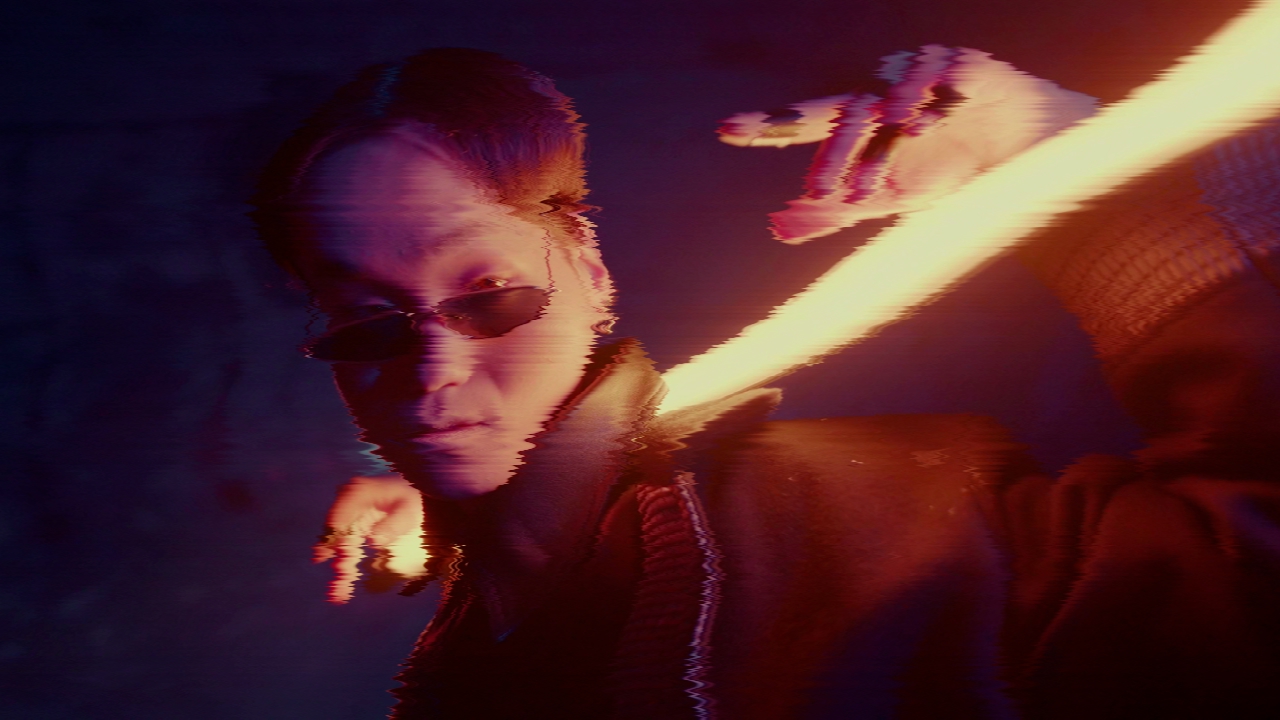
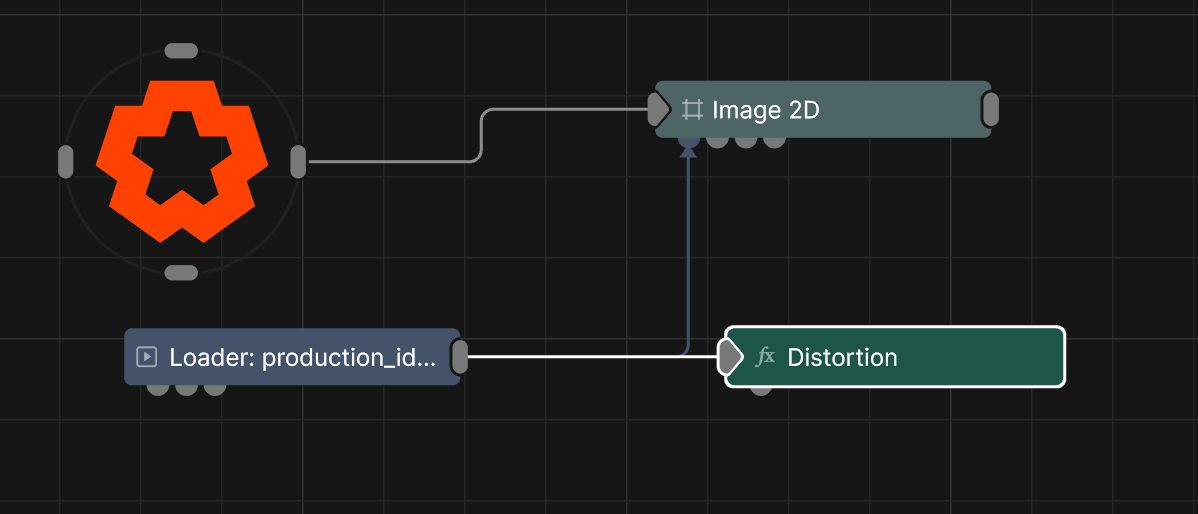
Updated: 5 Jun 2026
Add digital distortion to the image.
This node distorts an image with a combinations of high frequency sine waves, noise, and pixel shifting that displaces the image periodically - useful for making an old video glitching effect.
These properties control the core behaviours of the node.
| Parameter | Details |
|---|---|
| Active | Enables or disables the effect. Disabling the effect means it will no longer compute, so disabling a node when not in use can improve performance. |
| Blend Amount | Changes the opacity of the new effect over the original image. |
| Blend Mode (RGB) | Change how the generated effect blends with the parent image RGB. |
| Blend Mode (Alpha) | Change how the generated effect blends with the parent image alpha. |
| Affected Channels | Toggle which of the RGBA channels are affected by the effect. |
| Amount | How strong an effect will be applied to the image. |
| Pixel X Noise | How much noise is along the x-axis |
| Pixel Y Noise | How much noise is along the y-axis |
| Pixel Noise Scale X | Scale of noise along x-axis |
| Pixel Noise Scale Y | Scale of noise along y-axis |
| Distort Y Scale | How much distortion is along the y-axis |
| Sine Scale | Scale of sine curve on the image |
| Noise Scale | General scale of noise |
| Speed | How fast the effect moves. |
| Blockiness | The blockiness of the distortion. |
| Frame Time Difference | The time offset between glitch frames when time glitching is active. |
| Distortion Amount | How much the the image distorts and moves horizontally. |
| Frame Glitch Amount | Controls the amount of full-frame offset glitching. |
| Time Glitch Amount | Controls the amount of temporal glitching, where previous frames may be selected and held randomly. |
The properties control the time at which the node is active. See Timeline for editing time segments.
| Parameter | Details |
|---|---|
| Duration |
Control the duration of the node’s time segment.
|
| Node Time | The custom start and end time for the node. |
| Duration (Timecode) | The length of the node’s time segment (in time). |
| Duration (Frames) | The length of the node’s time segment (in frames). |
| Time Segment Enabled | Set whether the node’s time segment is enabled or not in the Timeline. |
| Name | Description | Typical Input |
|---|---|---|
| Mask Image | Use a mask image to control where the output is most or least affected by the effect, based on the mask images luminance. | Image Plane |