

Standalone
Updated: 28 Mar 2026
Updated: 28 Mar 2026
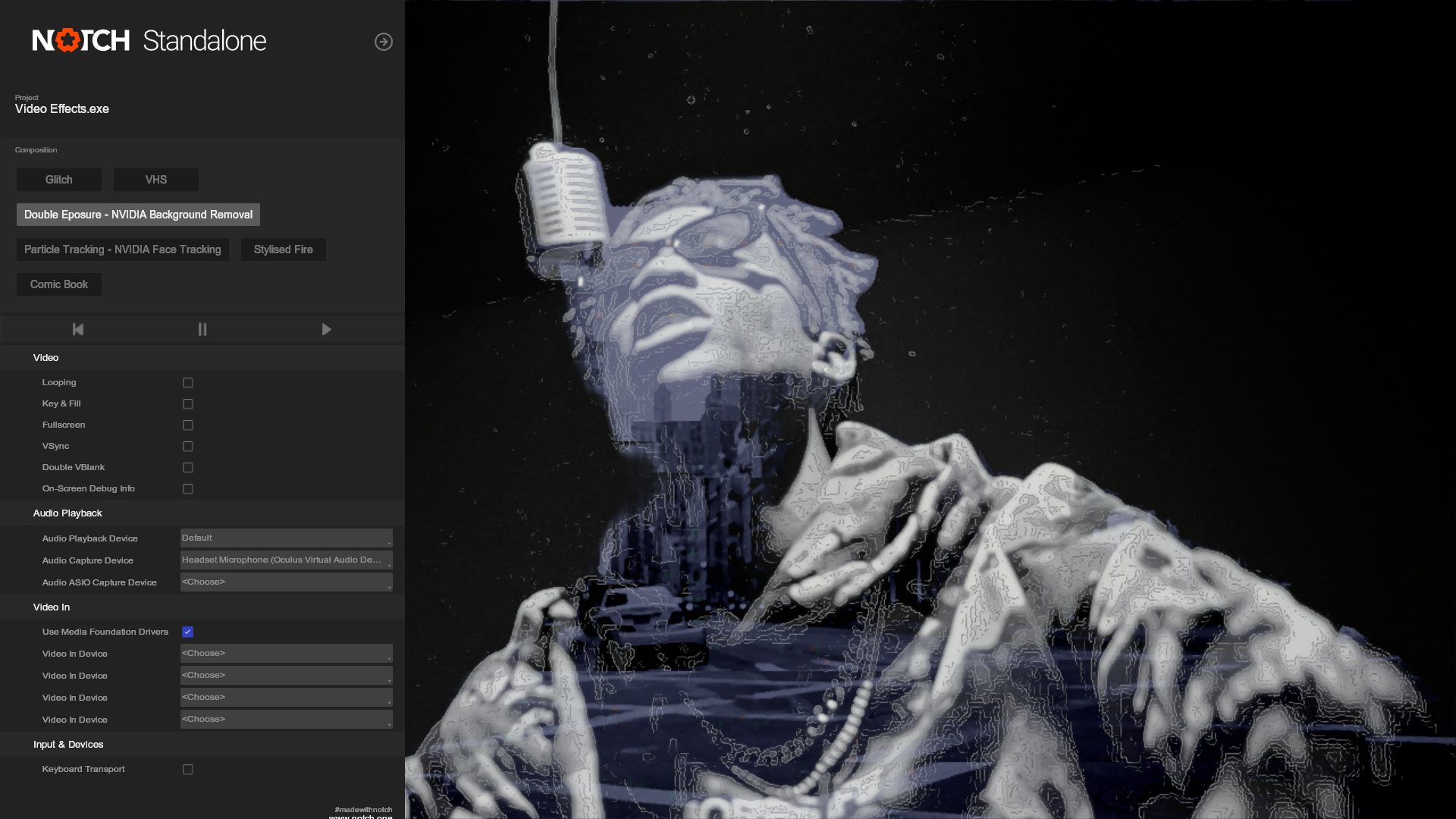
From Notch Builder you can export your project directly to Standalone Executable files, to run projects as a Windows Application. This is ideal for fixed installs, kiosks, and other simple installations where the features of a media server are not required.
To export a Standalone, go to Project -> Compile Standalone Application.
The Notch Standalone application file size cannot exceed 4 GB due to Windows limitations. To reduce the size, consider removing project resources or unembedding some resources. More information on embedding and unembedding resources can be found in the Resources Panel section of the manual.
To run Standalone without a watermark, you need to have exported from Notch Builder RFX and have an active Notch Playback license on the playback machine. RFX can be used as a Playback license up to a resolution of 3840x2160.
Standalone is not a media server replacement. You should definitely consider using Notch Blocks in a media server when doing any of the following:
| Interface | The UI of standalone explained |
| Launching Standalone | How to launch a Standalone Executable |
| Using Standalone in Production Environments | Learn how to correctly set up your exported application for production |
| Key And Fill | Learn how to set up key and fill for use in Standalone |
| Multi Head Output | Learn how to use standalone with multiple output feeds |