

Spout
Updated: 30 Jan 2026
Updated: 30 Jan 2026
Spout is a real-time video sharing application for windows. It allows to programs running on the same GPU to share textures between them.
Before testing, if Spout is working we recommend downloading Spout and then restarting your computer.
Notch can either send or receive Spout shared textures from another program
Project > Settings > Video In / Capture > Spout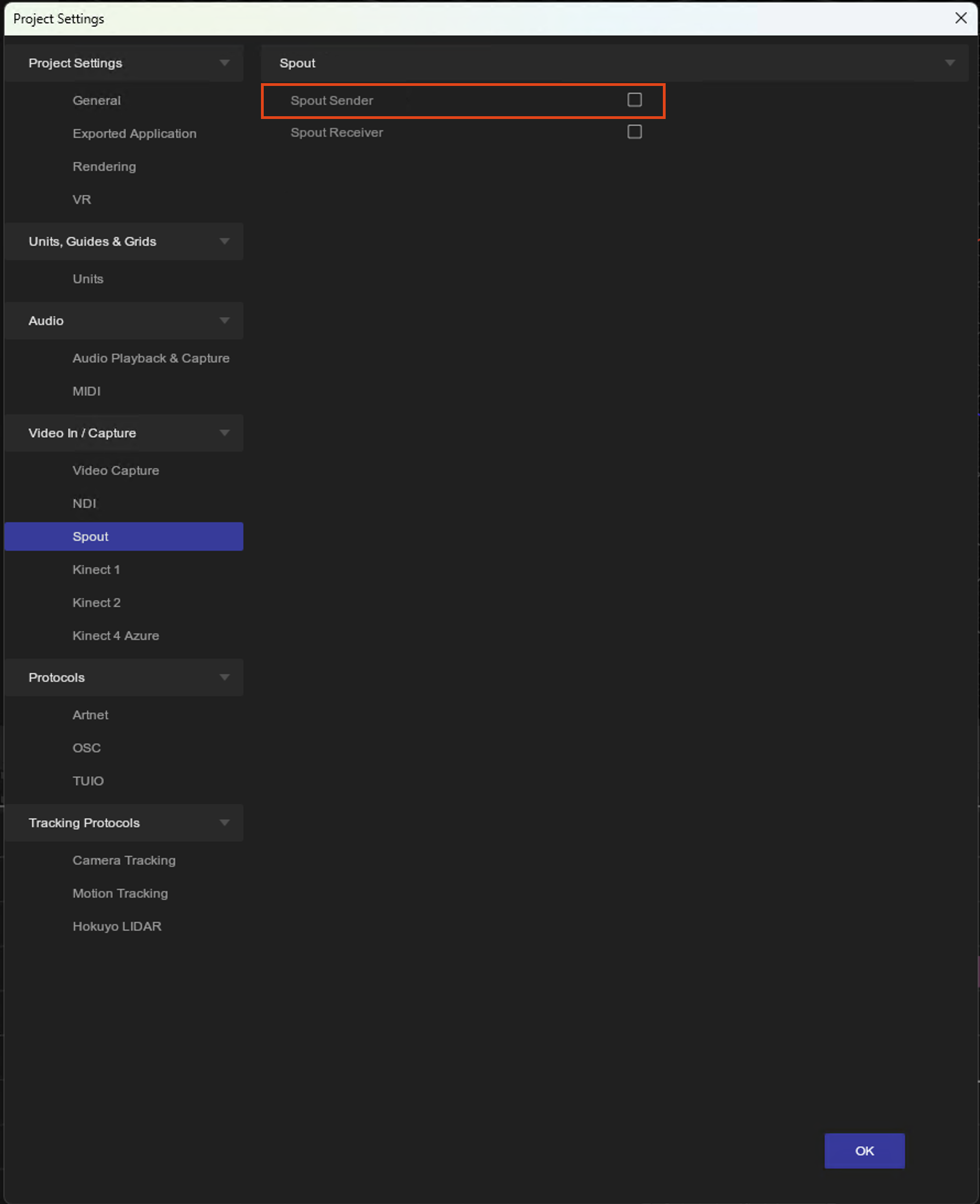
Project > Settings > Video In / Capture > Spout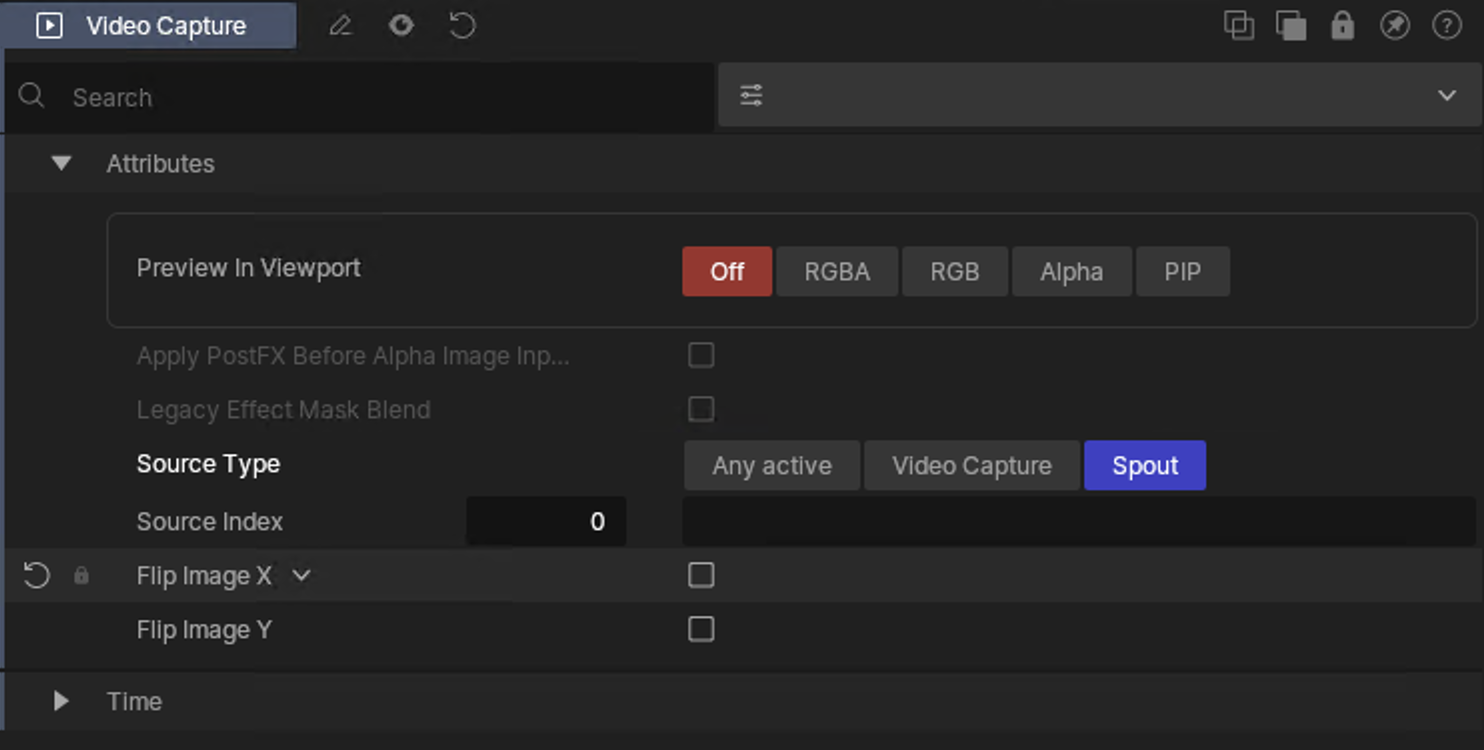
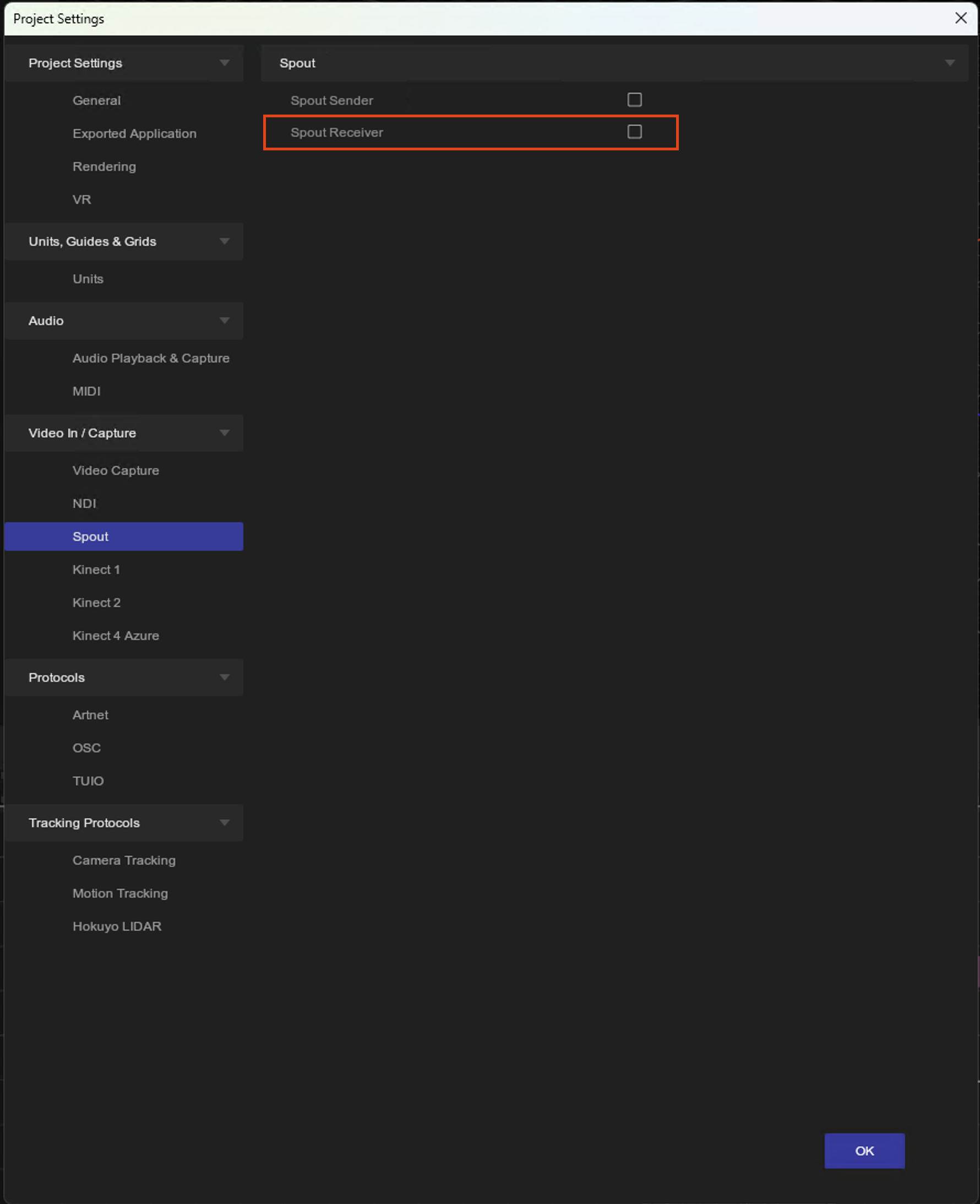
You will need the spout sending file open to allow the receiver to work.