Introducing Particles
Updated: 20 Jan 2026
Updated: 20 Jan 2026
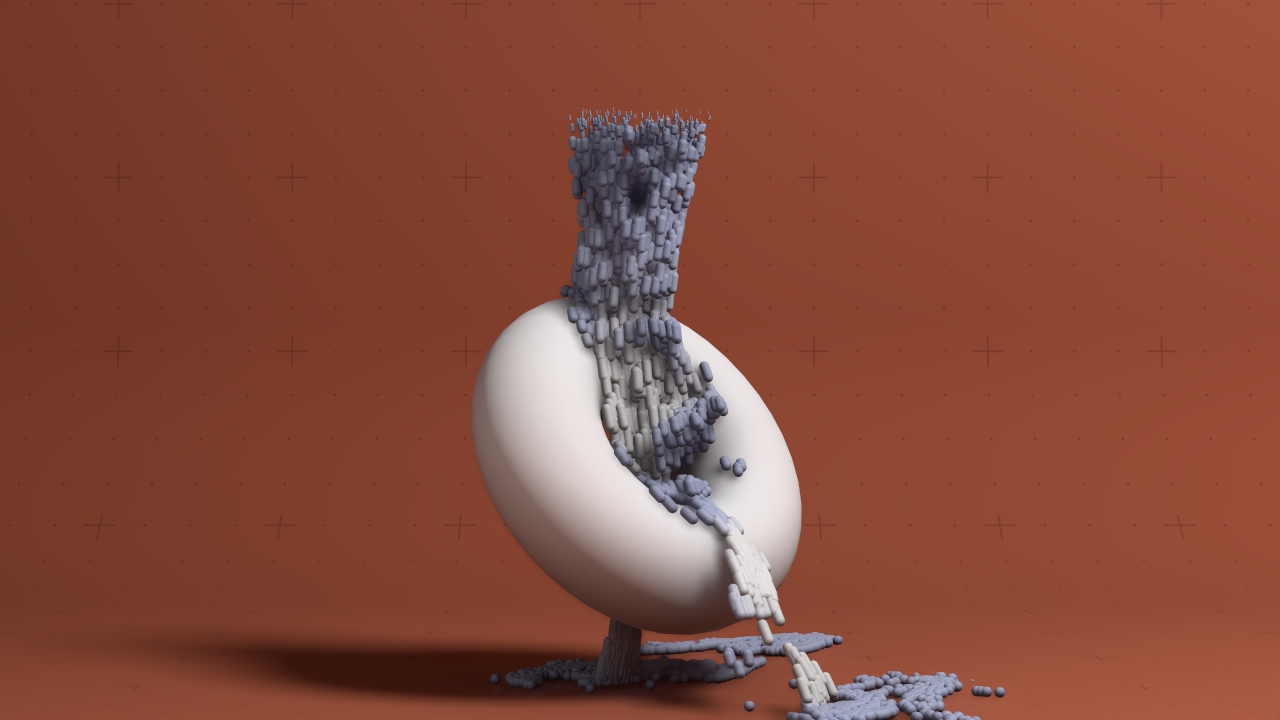
Particle Systems let you create large and complex systems made up of huge numbers of elements, that move and evolve over time. As all particle systems are processed on the GPU, they run fast, and can create very complex looks with low computational cost. They have been designed from the ground up to run Deterministically, ensuring that they can be used in multi machine, real time set-ups.
Particle simulations can be used for an array of effects like smoke, fire, dust or rain as well as abstract, interactive looks.
Particle systems run in real time, but they can also be cached and played back. This reduces computational cost and makes particle systems completely scrubbable in time.
Through a comprehensive collection of nodes, particles can be emitted, manipulated and render in a massive number of ways, being emitted from and interacting with every other system in Notch: from Geometry and Cloners, through Video, to Fields, Procedurals and Physics.
This section of the manual is intended to give an introduction to particle systems, the components that make them, and some tips and tricks and best practices for working with them. Other useful resources for understanding and working with particles include:
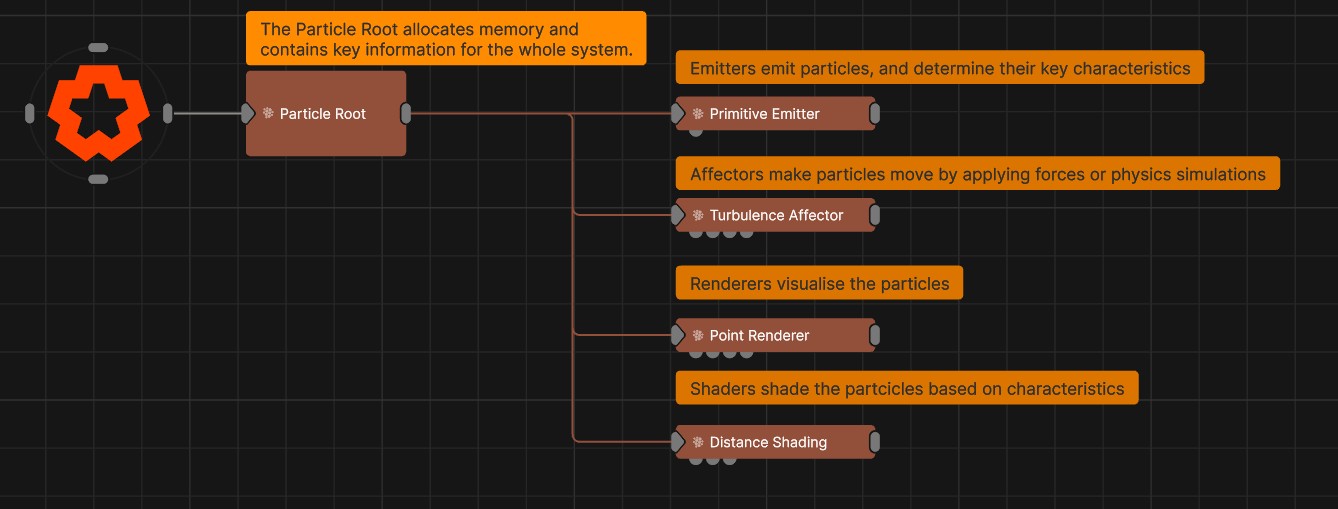
Within particle systems, there are several categories of node. Each of these categories of node has their own function, and the different nodes within it give you a tonne of different possible looks. This section gives a brief overview of each of these sub categories, what they are used for, and some of the most important common properties that are common to that category of node.
Particles live under a Particle Root node, and are created by Emitters. Once a particle has been emitted, it can be affected by Affectors. These particle positions can then be rendered by Renderers. Shading can be applied using Shading nodes. Weights can be used to control the amount another node will apply to each individual particle.