AOVs
Updated: 5 Feb 2026
Updated: 5 Feb 2026
AOVs, or Arbitrary Output Variables provide custom render passes for arbitrary components of the Notch renderer.
Notch Builder currently supports the following AOVs:
NB: Not all renderers support all AOV passes!
Outputting AOV passes requires either a VFX or RFX license.
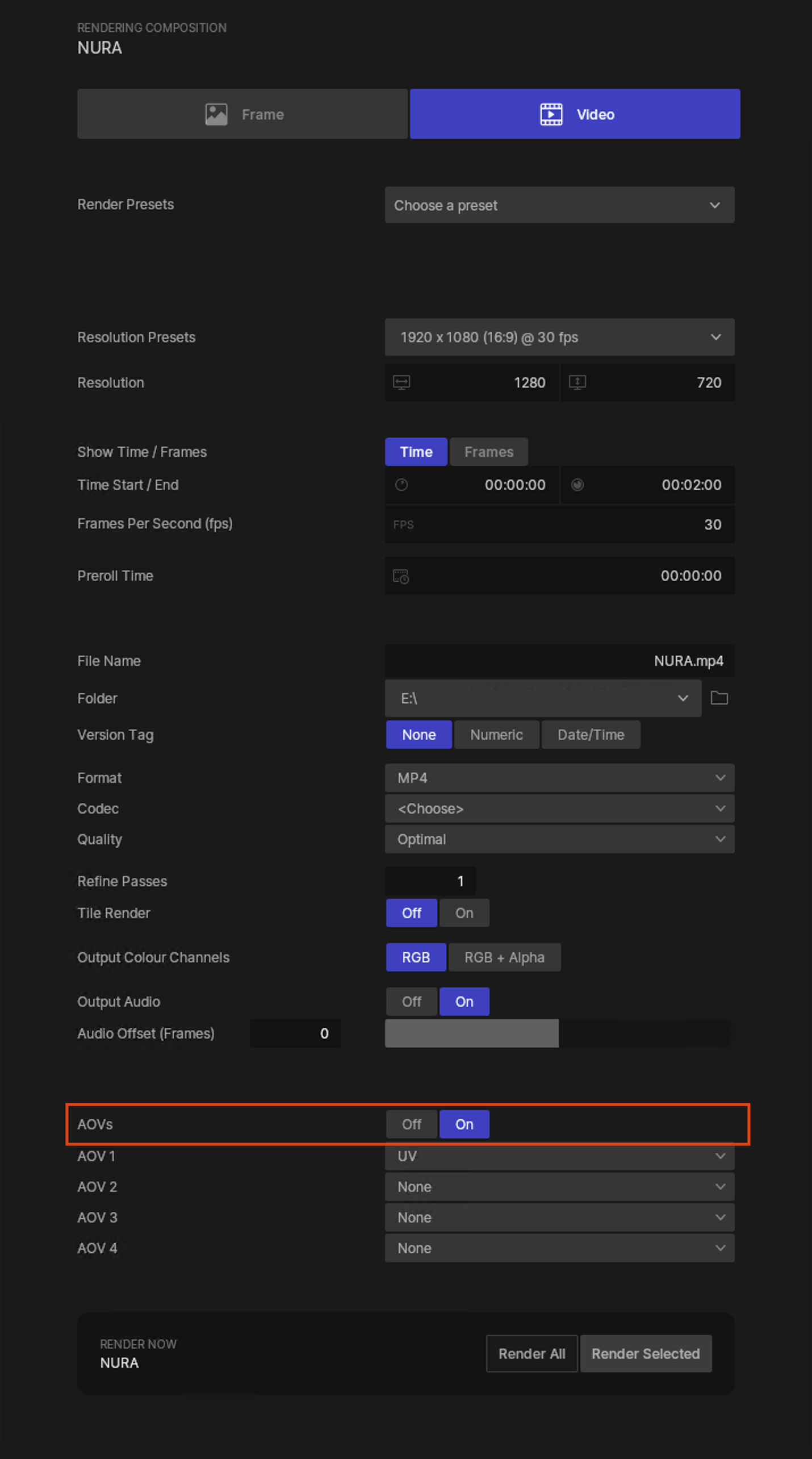
AOV output can be enabled in the Render Tab of Notch Builder. Four AOV outputs can be enabled from here (for additonal outputs in a single render pass, explore NotchRenderNodeCLI).
AOVs will take the filename specified, and append _AOV at the end. In this example, the main render will be named ‘NURA’, therefore the resulting AOV pass will be NURA_UV.
AOV passes will automatically be rendered in a format appropriate for the specific AOV defined.
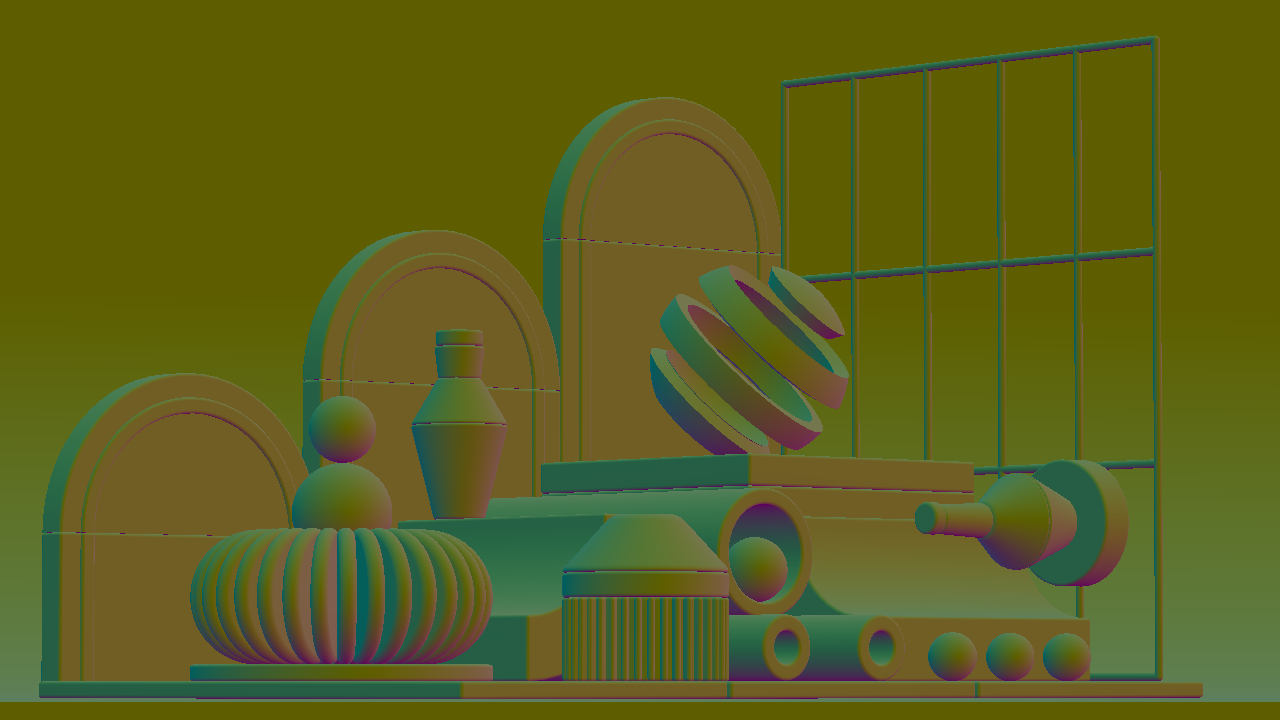
The ‘Normal’ AOV pass will output the Normals of any geometry in the scene in world space.
The resulting output is a 4 channel 16bit EXR with ZIP compression.
This pass can be used to aid in relighting during the compositing phase of a project, without the need to re-render the scene from scratch.
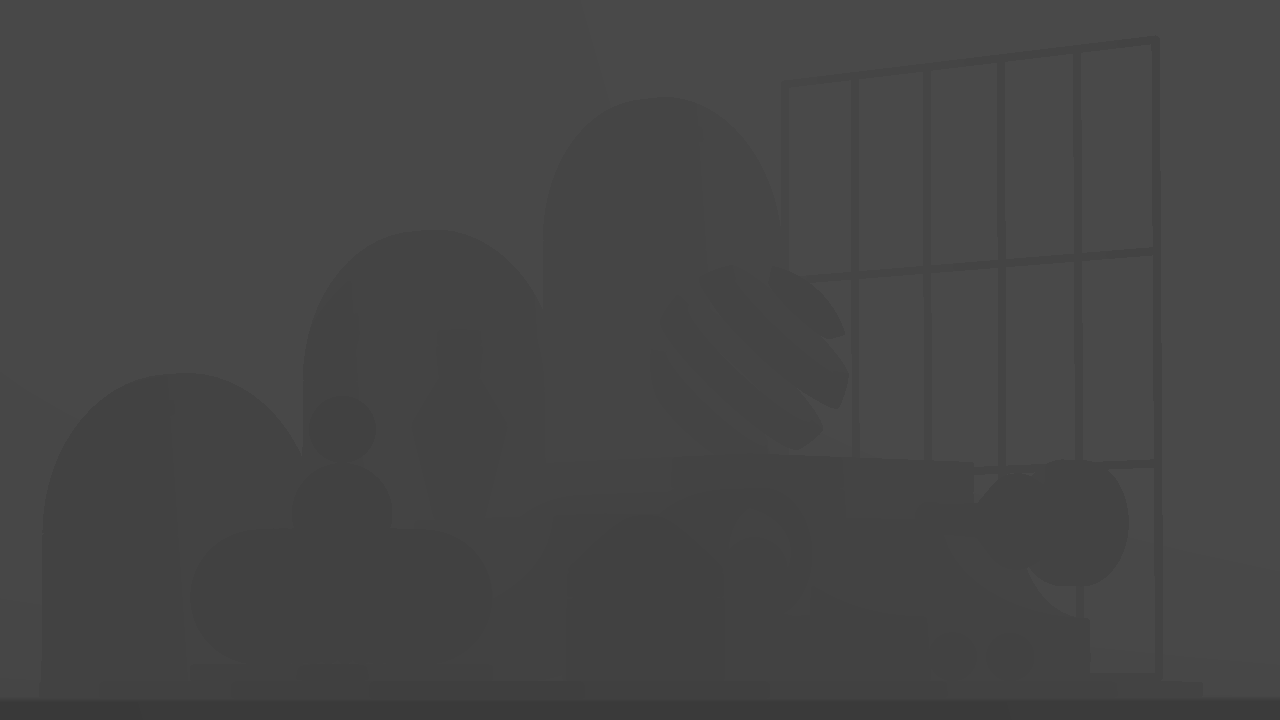
The ‘Depth’ AOV pass will output an image with values from 0 to 1 depending on how far the camera is from an object in the scene.
The resulting output is a single channel 32bit EXR with ZIP compression.
This pass can be used in the compositing phase wherever depth information is needed.
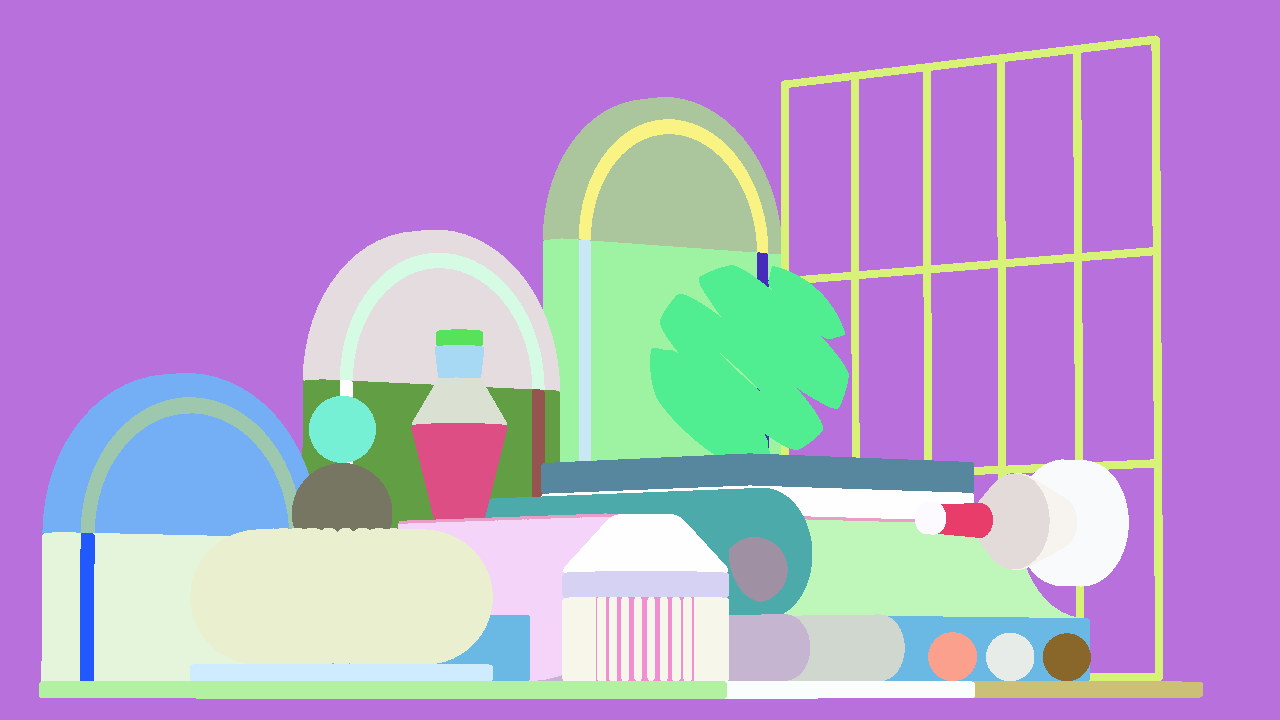
The ‘Object ID’ AOV pass will output an image with uniquely coloured masks for each unique object in the scene.
The resulting output is a PNG.
This pass can be used to isolate specific objects to create masks for compositing.
NB: The Object ID AOV does not support anti-aliasing. It is recommended to use Cryptomattes when clean masks are desired!
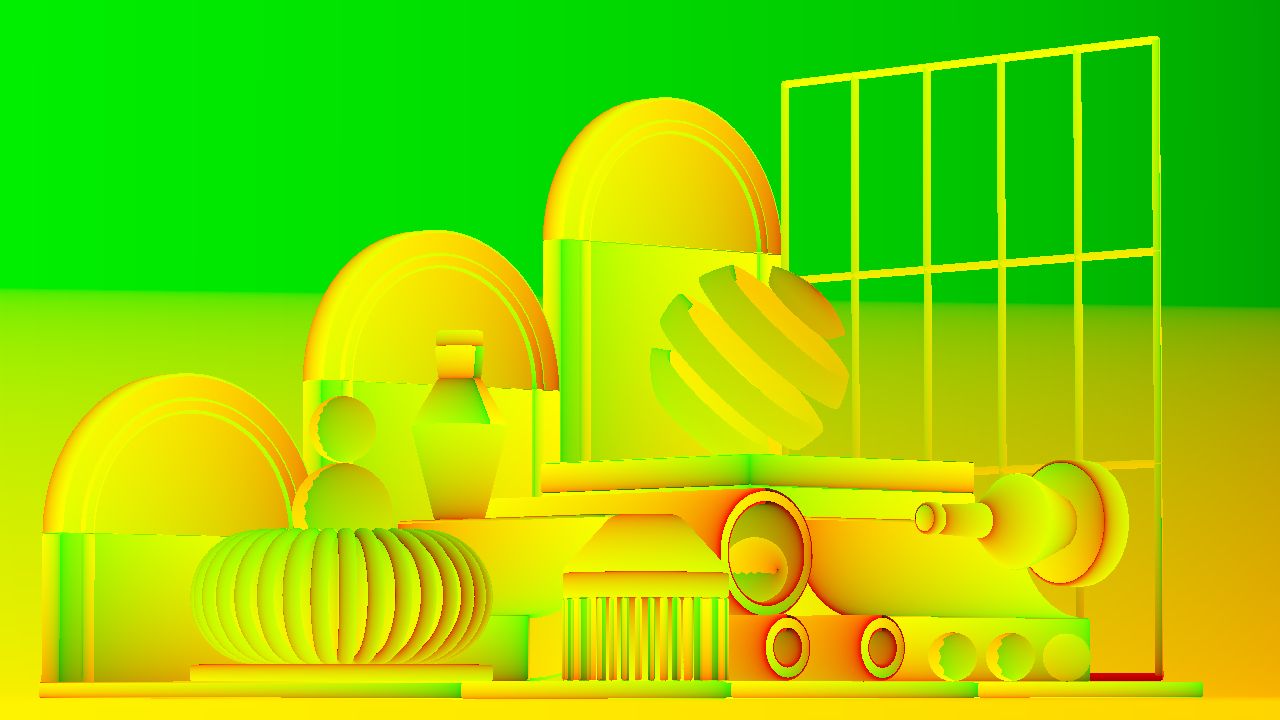
The ‘UV’ AOV pass will output an image that displays the UVs of each object.
The resulting output is a four channel 32 bit EXR (only the Red and Green channels are used currently however).
The ‘U’ texture data is contained in the Red channel, with the ‘V’ in the Green channel.
This pass can be used to composite textures into the scene correctly without re-rendering the scene.
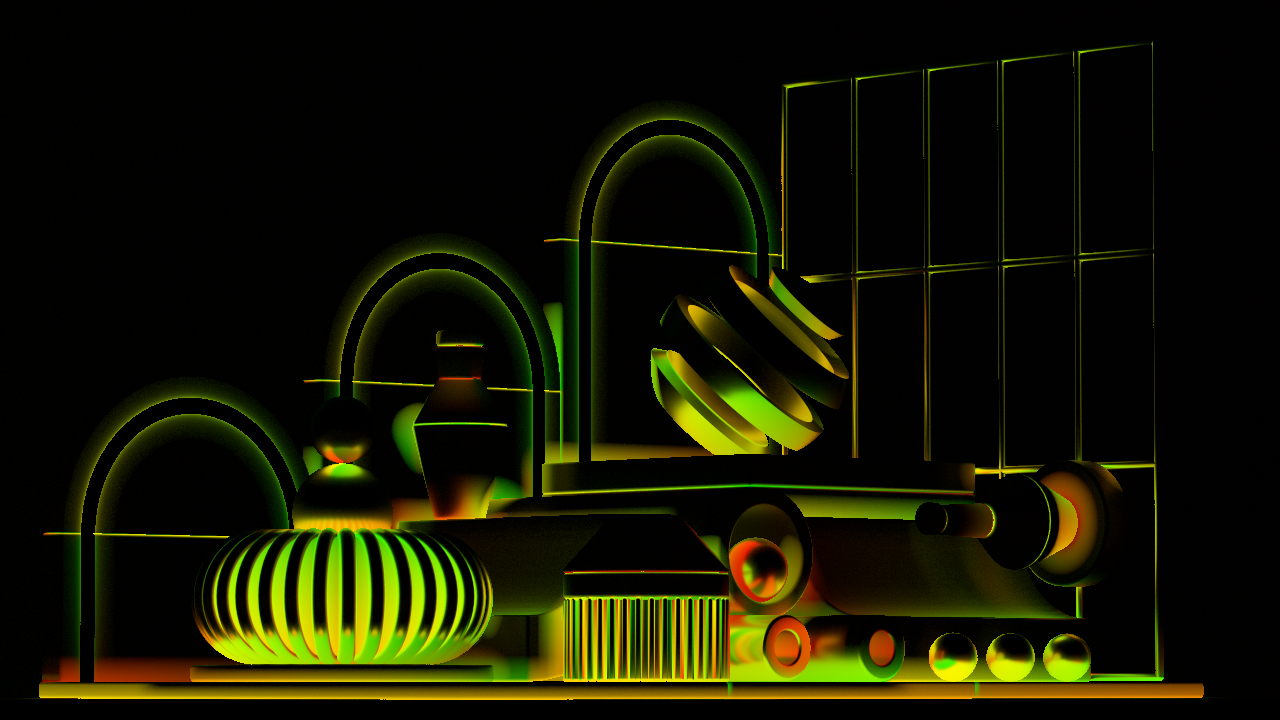
The ‘Bounce UV’ AOV pass is very similar to the UV pass, however it will output an image that displays the UVs of the geometry that lights or bounces onto other geometry.
The resulting output is a four channel 32 bit EXR (only the Red and Green channels are used currently however).
The ‘U’ texture data is contained in the Red channel, with the ‘V’ in the Green channel.
This pass can be used to replace the texture that is reflected onto an object without re-rendering the scene.
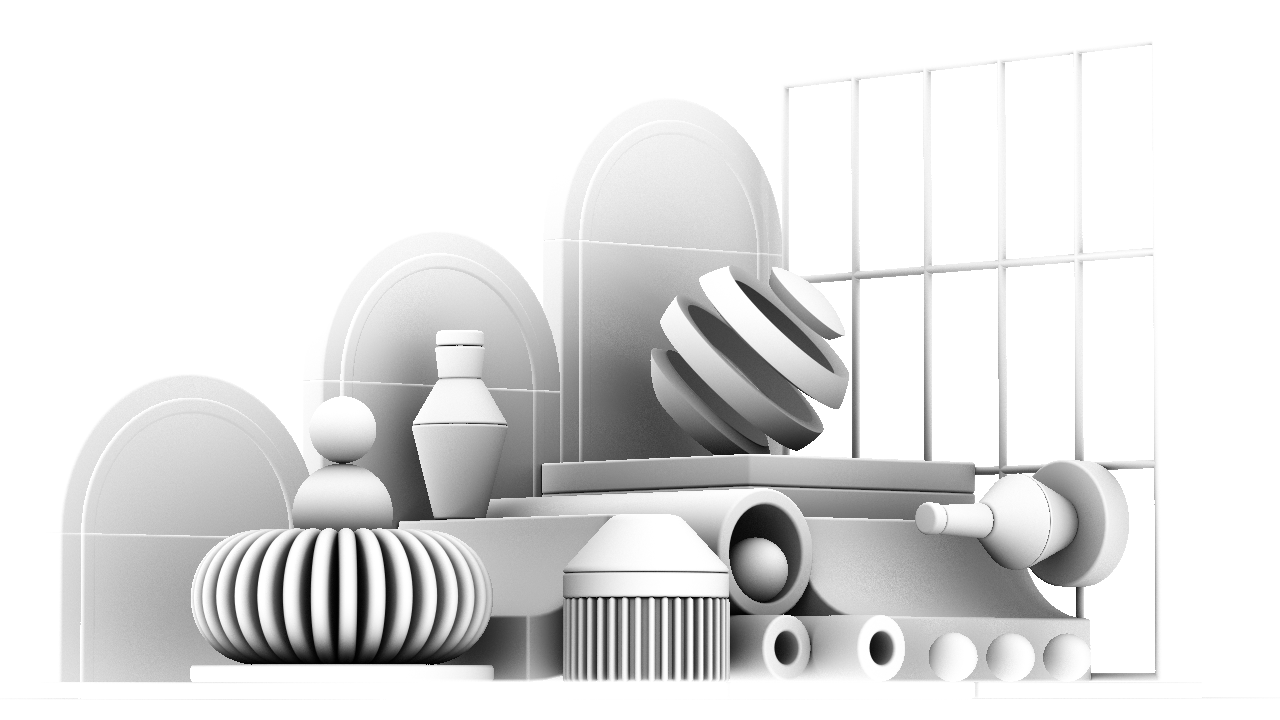
The ‘Ambient Occlusion’ or ‘AO’ pass outputs an image that simulates soft shadowing in the crevices, corners, and areas where surfaces come close together.
The resulting output is a PNG.
This pass can be used in compositing to art direct the look of this subtle shadowing, or as a mask to add weathering or other effects where surfaces interact.
The ‘Cryptomatte’ pass is an advanced ID pass that encodes multiple layers of object, material, or asset information into a single render output.
Currently only an ‘Object’ Cryptomatte can be output from Notch, with 4 levels of information (Information on a maximum of four objects when overlapping).
The resulting output is a 32bit EXR, specifically encoded for Cryptomatte use.
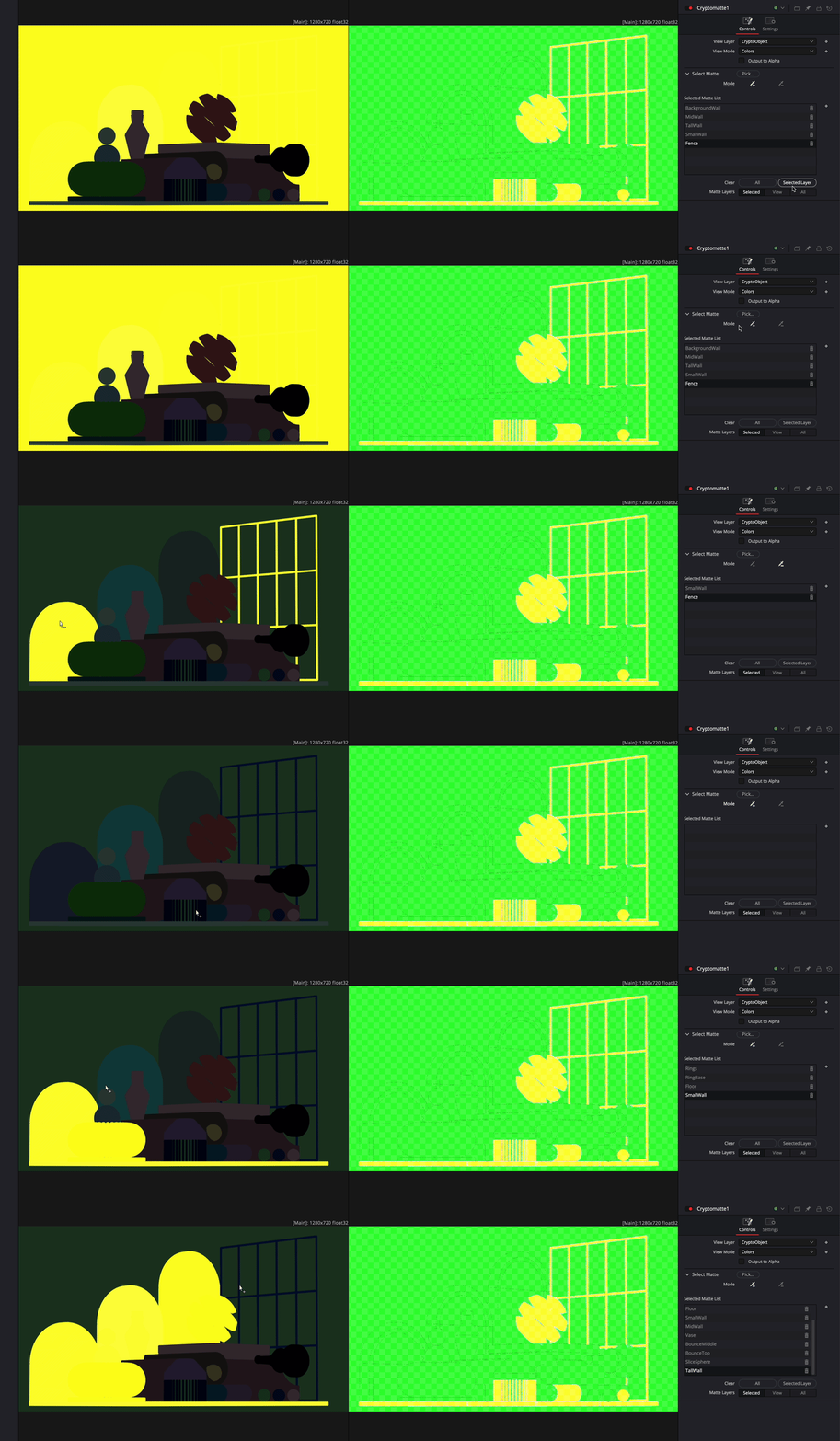
Cryptomattes are the only AOV pass that requires extra setup in a Notch scene in order to use. Each object or matte that you want available as a mask in the output must be uniquely named, otherwise the Cryptomatte wont have the required information to seperate the masks when compositing.
This pass can be used to create hiqh quality object masks with support for transparency and anti-aliasing.
Cryptomattes must also be supported in your compositing software of choice.