

Colour Reduce
Updated: 3 Dec 2025
Set the amount of distinct colour in the image.


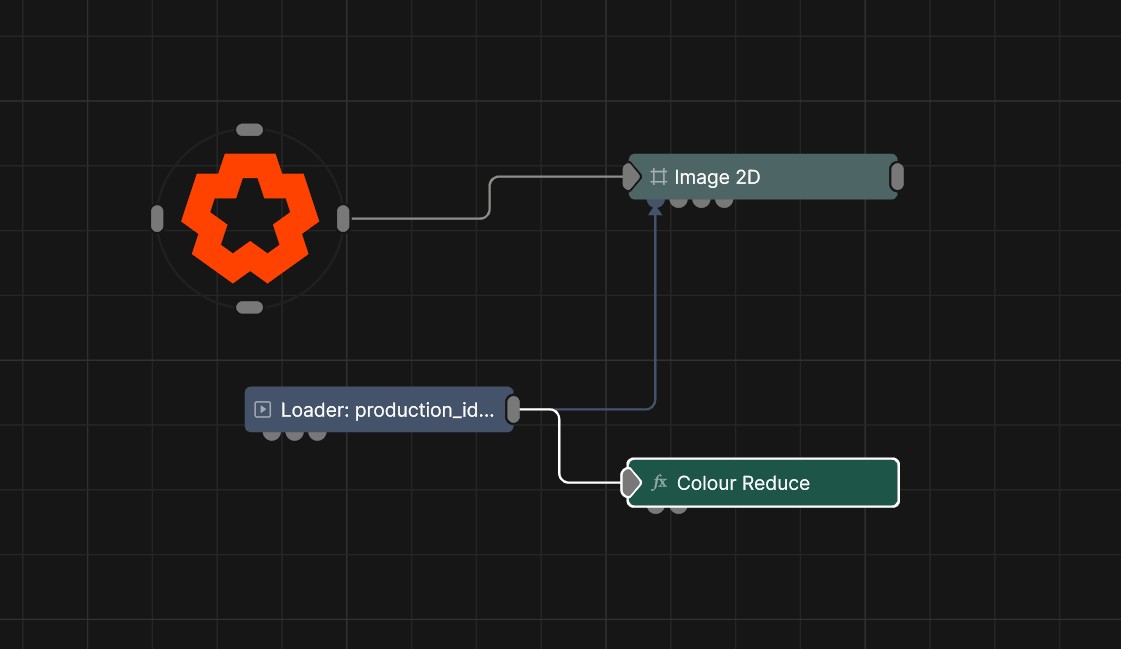
Updated: 3 Dec 2025
Set the amount of distinct colour in the image.
This node allows you to set the amount of distinct colours in the image by either quantizing the colours of the source image, or using the colour ramp input to define the amount of colours, as well as what colours they are.
These properties control the core behaviours of the node.
| Parameter | Details |
|---|---|
| Active | Enables or disables the effect. Disabling the effect means it will no longer compute, so disabling a node when not in use can improve performance. |
| Blend Amount | Changes the opacity of the new effect over the original image. |
| Blend Mode (RGB) | Change how the generated effect blends with the parent image RGB. |
| Blend Mode (Alpha) | Change how the generated effect blends with the parent image alpha. |
| Affected Channels | Toggle which of the RGBA channels are affected by the effect. |
| Colour Selection Mode |
Where to select the colours from to reduce the image down to.
|
| Adaption Rate | Set the rate of change between colour sets when using “Adapt” mode. |
| Max Colours | Set the maximum amount of colours to quantize the image to. Has no effect if “Colour Ramp” mode is used. |
The properties control the time at which the node is active. See Timeline for editing time segments.
| Parameter | Details |
|---|---|
| Duration |
Control the duration of the node’s time segment.
|
| Node Time | The custom start and end time for the node. |
| Duration (Timecode) | The length of the node’s time segment (in time). |
| Duration (Frames) | The length of the node’s time segment (in frames). |
| Time Segment Enabled | Set whether the node’s time segment is enabled or not in the Timeline. |
| Name | Description | Typical Input |
|---|---|---|
| Colour Ramp | Colours to use when “Colour Selection Mode” is set to “Colour Ramp”. | Colour Ramp |
| Effect Amount Image | Set the amount of effect that the node has based on an image. | Polygon |